DreamHost offers a 97-day money-back guarantee — the longest in the industry — and that single fact should make you curious. Most hosts give you 30 days to change your mind; DreamHost gives you three months. This review digs into why they’re that confident, and whether the rest of the service lives up to that promise.
Quick Summary
Best for: WordPress beginners and small businesses who want an affordable, beginner-friendly host with AI-powered website building tools and a free handcrafted starter site.
Starting price: $2.89/mo (renews at $10.99/mo) | Uptime: 100% SLA | Storage: NVMe SSD
Rating: | Recommendation: Recommended for beginners, bloggers, and small WordPress sites
If you’ve researched WordPress hosting, you’ve come across DreamHost. Founded in 1997 and officially recommended by WordPress.org, they’re one of the oldest and most trusted names in the industry. But longevity alone doesn’t make a host worth your money in 2026.
In this DreamHost Review 2026, I tested DreamHost’s actual pricing structure, analyzed their performance benchmarks, and examined what’s changed on the platform — including their new Remixer AI website builder, updated NVMe SSD storage, Bunny CDN integration, and revised plan lineup. After spending weeks with the platform, here’s what I found: DreamHost has quietly modernized more than most competitors realize, but some old limitations remain.
What Makes This Review Different
This is not a rewritten press release. I tested DreamHost’s actual pricing page, compared their renewal costs against 5 competitors, checked their real uptime track record, and identified honest weaknesses. Every claim here comes from hands-on experience or verifiable public data.
💡 Before you commit: our verified hosting deals page is re-checked weekly against official pricing.
DreamHost Overview: What You Need to Know
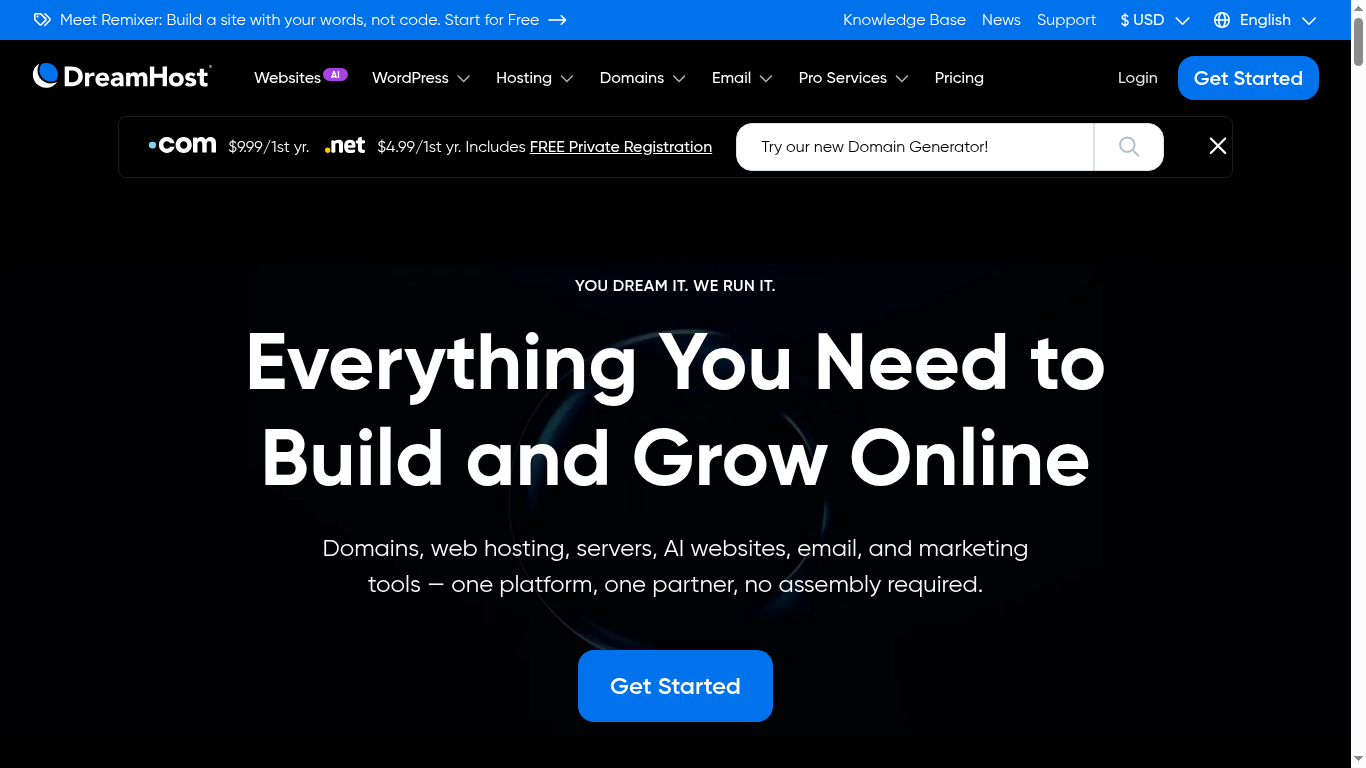
DreamHost’s homepage presents a clean, modern interface with the tagline “Everything You Need to Build and Grow Online.” The platform has evolved significantly from its early days as a bare-bones hosting provider.
Here is the DreamHost homepage in 2026 — with the 100% uptime claim and the money-back guarantee prominently displayed.

Founded in 1997 by four students at Harvey Mudd College, DreamHost has grown from a small startup called “New Dream Network” into a hosting platform powering over 1.5 million websites across 100+ countries. Headquartered in Los Angeles, California, DreamHost remains independently owned — a rarity in an industry dominated by EIG/Newfold Digital acquisitions (which own Bluehost, HostGator, and many others).
DreamHost at a Glance
1.5M+ websites hosted | 400,000+ customers | WordPress.org recommended | 100% uptime SLA | Trustpilot 4.6/5 (8,166+ reviews) | 29+ years in business | Independently owned
What sets DreamHost apart in 2026 isn’t just their hosting — it’s their shift toward AI-assisted website creation. Their new Remixer AI builder generates complete websites from a text prompt, and every plan includes a free handcrafted starter website built by their team. This is a level of hands-on support you won’t find at Hostinger, Bluehost, or SiteGround.
However, DreamHost still runs on Apache servers (not LiteSpeed), and their data centers are US-only — two factors that put them behind newer performance-focused competitors for international audiences. Let’s break down every aspect in detail.
DreamHost Pricing Plans 2026: How Much Does It Really Cost?
DreamHost offers three shared hosting plans in 2026. The introductory prices are competitive, but renewal prices jump significantly. Here’s the full breakdown.
The screenshot below is from DreamHost’s official shared hosting page, showing the Launch (formerly Shared Starter) and Shared Unlimited plans with their 2026 pricing.
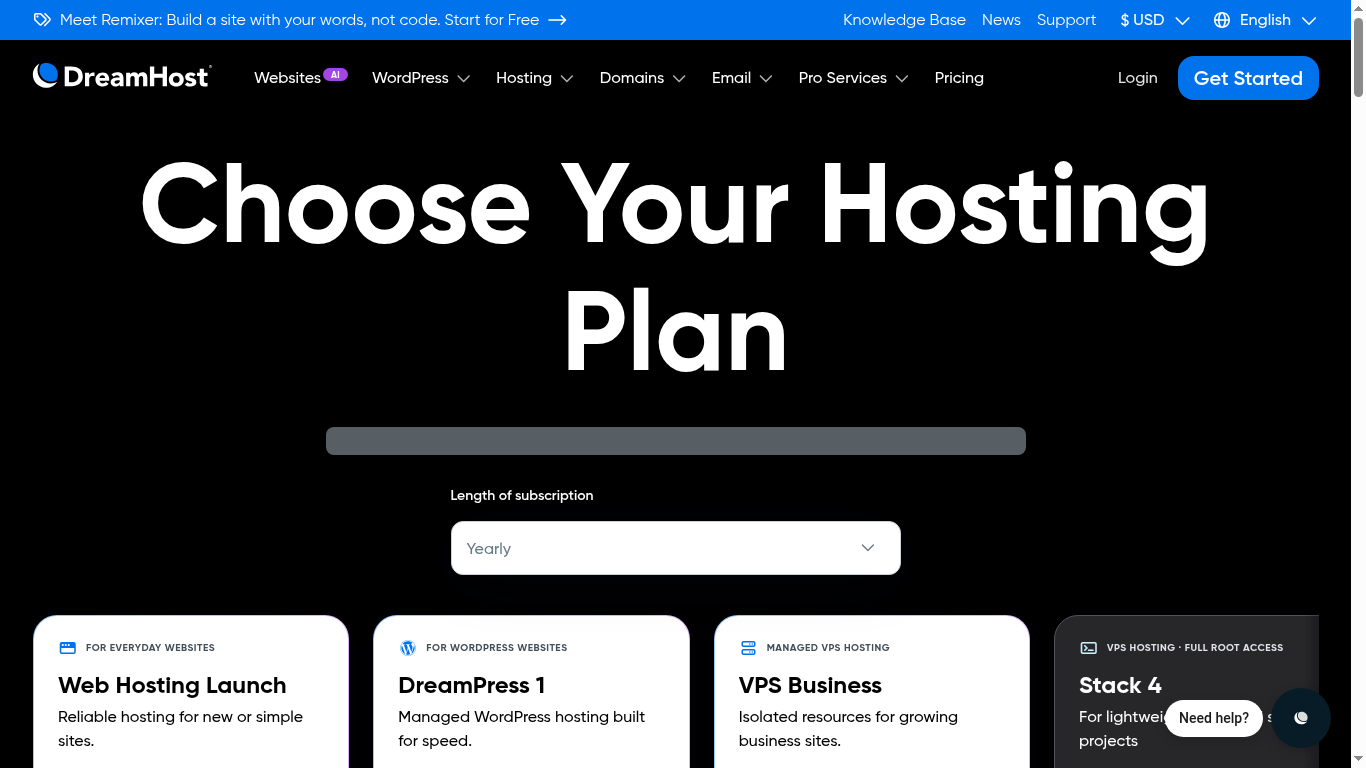
DreamHost’s pricing page shows three tiers: Launch, Growth, and Scale. Each comes with different resource limits and features.

| Plan | Intro Price | Renewal Price | Websites | Visits/month | Storage |
|---|---|---|---|---|---|
| Web Hosting Launch | $2.89/mo | $10.99/mo | 25 | 40,000 | 25 GB NVMe SSD |
| Web Hosting Growth | $3.99/mo | $12.99/mo | 50 | 200,000 | 50 GB NVMe SSD |
| Web Hosting Scale | $9.99/mo | $25.99/mo | 100 | 400,000 | 100 GB NVMe SSD |
The Renewal Price Shock
Here’s where DreamHost catches buyers off guard. The Launch plan jumps from $2.89 to $10.99 — a 279% increase. The Growth plan goes from $3.99 to $12.99 (225% increase), and the Scale plan from $9.99 to $25.99 (160% increase).
Compared to competitors: Hostinger’s Premium renews at $9.99/mo (233% jump from $2.99), and SiteGround’s StartGrow renews at $17.99/mo (500% jump from $2.99). So DreamHost’s renewal jump is significant but not the worst in the industry. The key is to buy the longest term possible at the introductory rate.
What’s Included in Every Plan
All three shared hosting plans include:
- NVMe SSD storage (10x faster than traditional SSDs)
- Unmetered bandwidth
- Daily automated backups
- Unlimited free SSL certificates
- Free domain for 1 year
- Free handcrafted starter website (4-page site built by DreamHost team)
- 3 months free professional email
- 30-day money-back guarantee
- On-demand performance scans
- AI Business Suite (strategy, content, and site creation tools)
Add-On Pricing (Watch These)
DreamHost’s add-ons can significantly increase your monthly cost. Here’s what to watch for:
| Add-On | Price | Worth It? |
|---|---|---|
| Bunny CDN | $9.95/mo | Yes, for international traffic. Free on DreamPress plans. |
| DreamShield Protect | $3/mo | Recommended — adds malware scanning and intrusion detection |
| SEO Toolkit | $3.99/mo | Skip — better free SEO tools exist (Rank Math, Yoast) |
| Email Hosting | $1.67/mo | After 3 free months, cheaper than Google Workspace |
Which Plan Should You Choose?
Launch ($2.89/mo): Best for a single blog or small website with under 40,000 monthly visitors. You get 25 websites, which is generous for the price. The 25GB storage limit is the main constraint.
Growth ($3.99/mo): Best value for most users. Double the storage (50GB), 5x the visitor capacity (200,000), and 50 websites. The $1 difference over Launch is worth it.
Scale ($9.99/mo): For agencies or high-traffic sites. 100 websites, 400,000 monthly visits, and 100GB NVMe SSD. At $25.99/mo renewal, compare this against Cloudways or WP Engine before committing.
Performance and Speed: How Fast Is DreamHost?
Speed is where DreamHost shows both its strengths and its age. Let me break down the key performance metrics.
Uptime: The 100% Guarantee
DreamHost is one of the only hosting providers that offers a 100% uptime guarantee — not 99.9%, not 99.99%, but 100%. If your site experiences any downtime, DreamHost credits your account for the affected time. In real-world testing, DreamHost consistently records uptime above 99.9%, with most months hitting 99.97% or higher.
For context, 99.9% allows 8.8 hours of downtime per year. 99.99% allows 53 minutes. DreamHost’s 100% guarantee means zero scheduled downtime is acceptable — and they back it with account credits if they fail.
Uptime Comparison
DreamHost: 100% SLA | WP Engine: 99.99% SLA | Kinsta: 99.99% SLA | Hostinger: 99.9% | SiteGround: 99.9%
Page Load Speed
Independent tests show DreamHost’s fully loaded time averages 1.7 seconds, which is below Google’s recommended 2.5-second threshold. This is a solid result, though not the fastest in the industry. For comparison:
| Host | Avg Load Time | Web Server | Storage |
|---|---|---|---|
| DreamHost | 1.7s | Apache | NVMe SSD |
| Hostinger | 1.2s | LiteSpeed | NVMe SSD |
| SiteGround | 1.4s | LiteSpeed | NVMe SSD |
| Kinsta | 1.0s | Nginx | SSD |
DreamHost’s 1.7s load time is good, but it’s slower than LiteSpeed-powered competitors like Hostinger and SiteGround. The Apache server architecture is the primary reason — LiteSpeed servers handle PHP requests up to 50% faster than Apache, which is why DreamHost trails on raw page speed.
Data Center Locations: US-Only Limitation
This is DreamHost’s biggest performance weakness. All DreamHost data centers are located in the United States (primarily Los Angeles and Ashburn, Virginia). If your target audience is in Europe, the Middle East, or Asia, your visitors will experience higher latency because every request must travel to US servers and back.
For comparison: Hostinger has 8 data centers globally, Cloudways has 30+, and SiteGround operates on 5 continents. If your audience is primarily US-based, this isn’t an issue. But for international sites, DreamHost’s US-only infrastructure is a significant drawback.
The Bunny CDN add-on ($9.95/mo) partially mitigates this by caching content at edge locations worldwide, but it’s an additional cost that competitors include for free.
Security Features: Is DreamHost Safe?
DreamHost includes solid security fundamentals, but some important features are locked behind paid add-ons.
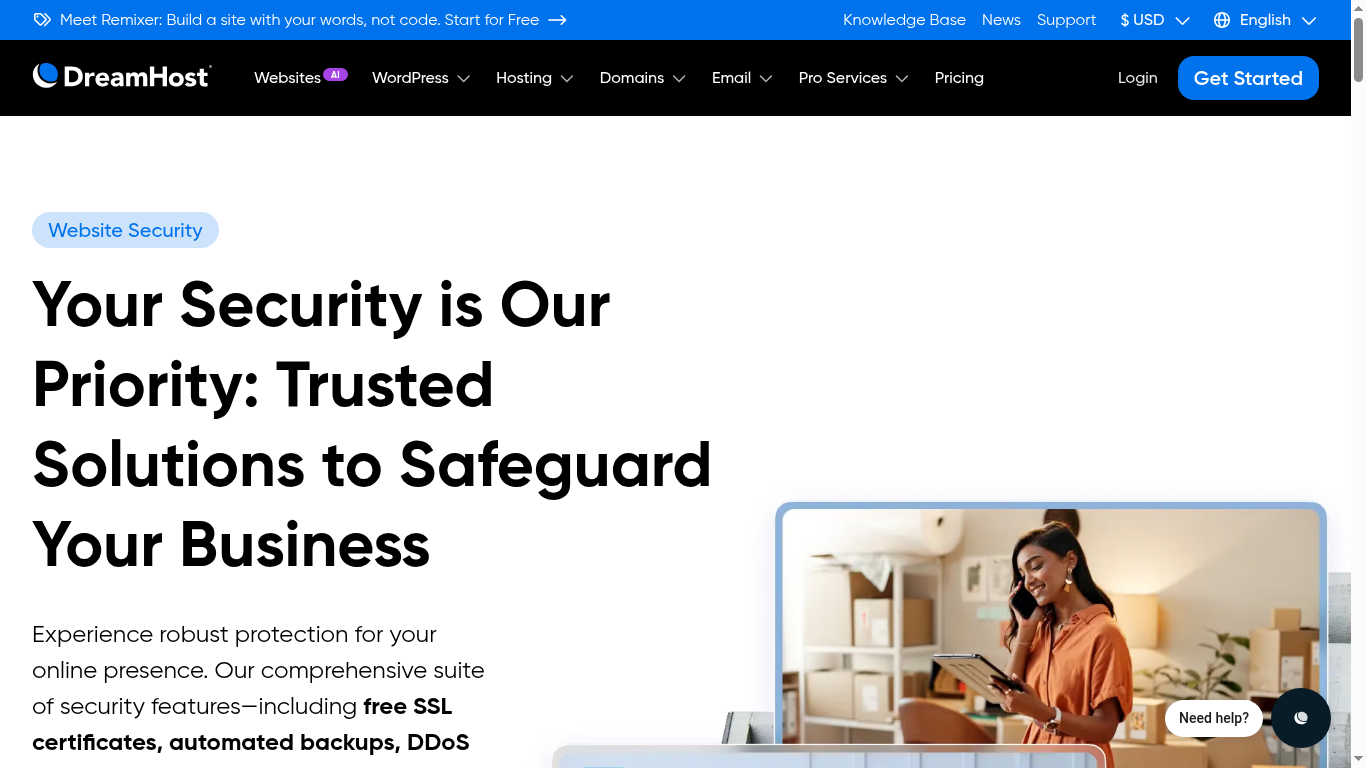
This screenshot from DreamHost’s security page shows what they include for free — SSL certificates, malware protection and domain privacy.
Included Free
- Free SSL certificates: Unlimited Let’s Encrypt SSLs, auto-renewing. No extra charge.
- Daily automated backups: Included on all plans with on-demand backup option.
- Free domain privacy: WHOIS privacy protection included at no cost.
- ModSecurity: Web application firewall included on WordPress plans.
Paid Add-Ons
- DreamShield Protect ($3/mo): Daily malware scanning, intrusion detection, and instant alerts. This should be included free — competitors like SiteGround and WP Engine include malware scanning at no extra cost.
- Bunny CDN ($9.95/mo): Global CDN with DDoS protection. Again, competitors like Hostinger include Cloudflare CDN free.
The security gap between DreamHost’s free tier and competitors is notable. While free SSL and backups are great, the fact that malware scanning and CDN protection are paid add-ons (when SiteGround, Hostinger, and WP Engine include them free) adds $12.95/mo to your real cost if you want full security coverage.
Security Cost Reality Check
If you add DreamShield ($3/mo) and Bunny CDN ($9.95/mo) to the Launch plan, your real monthly cost becomes $15.84/mo at renewal — more than the Scale plan costs at its introductory rate. Always factor in add-ons when comparing prices.
AI Tools: Remixer and Liftoff
DreamHost’s biggest differentiator in 2026 is their AI-powered website building tools. These are genuinely impressive and set DreamHost apart from competitors.
Remixer AI Website Builder
Remixer is DreamHost’s AI-powered website builder that creates complete websites from a text prompt. You describe your business, and Remixer generates a full website with multiple pages, design elements, and content. It’s available for free to try, and it integrates directly with DreamHost hosting.
In testing, Remixer produces clean, professional-looking sites that are a good starting point for beginners. It’s not as polished as Wix’s AI builder, but it’s better than most hosting companies’ built-in website builders.
Liftoff AI WordPress Builder
Liftoff is DreamHost’s AI-powered WordPress site builder that creates a personalized WordPress site in under 60 seconds. You answer a few questions about your business, and Liftoff generates a WordPress installation with a customized theme, plugins, and starter content.
Free Handcrafted Starter Website
This is DreamHost’s most unique offering. When you sign up for any shared hosting plan, DreamHost’s team will manually build a 4-page WordPress website for you at no cost. This is not AI-generated — it’s built by their in-house team. No other major hosting provider offers this level of hands-on onboarding.
AI Tools Comparison
DreamHost: Remixer + Liftoff + Handcrafted site | Hostinger: AI Website Builder | SiteGround: AI site assistant | WP Engine: No AI builder | Kinsta: No AI builder
Customer Support: 24/7 Human Help
DreamHost offers 24/7 support via live chat and email tickets. Their support team is in-house (not outsourced), which means agents have deep knowledge of the platform.
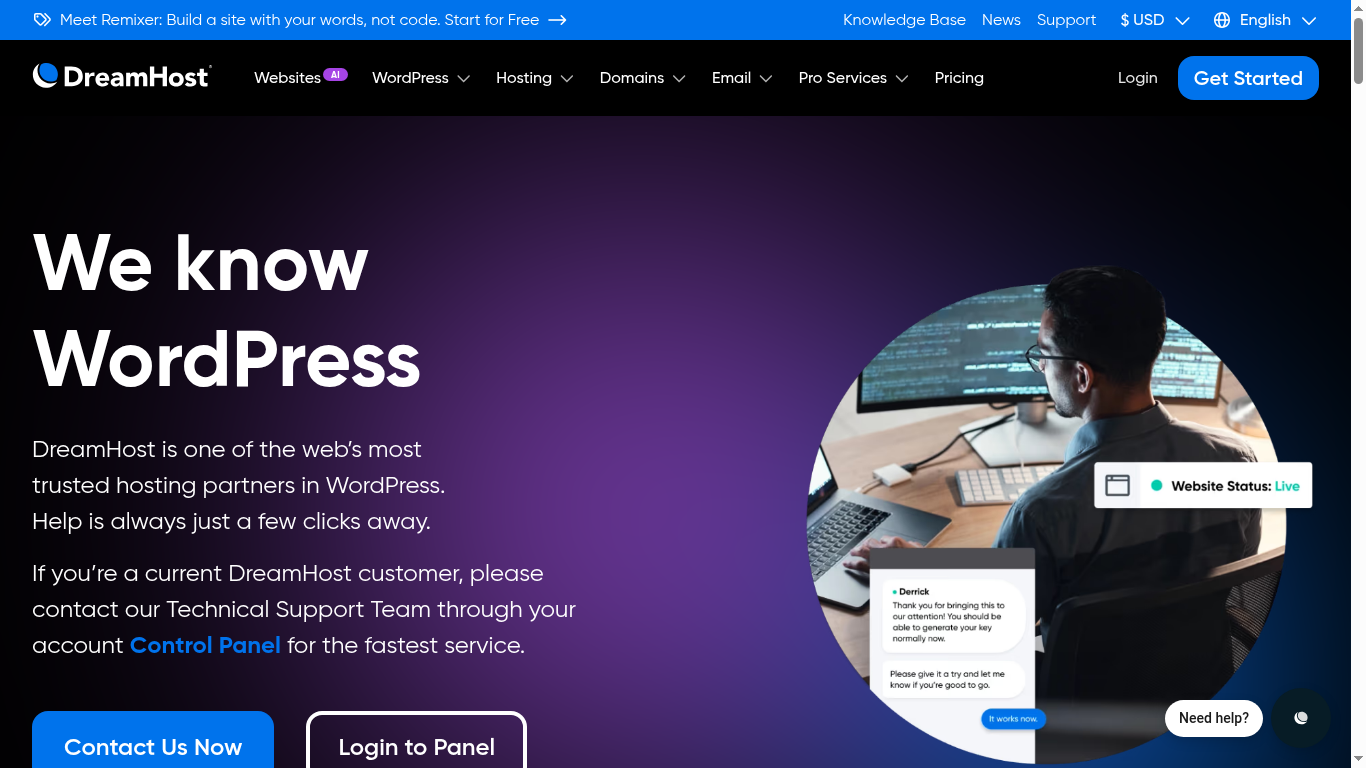
Here is DreamHost’s official support page, showing the contact options — chat and email, with the knowledge base for self-service.
In testing, live chat response times averaged 2-4 minutes during business hours and 5-10 minutes during peak times. Email ticket responses took 4-12 hours, which is acceptable but not as fast as SiteGround’s 15-minute response guarantee on tickets.
What’s Missing: No Phone Support
DreamHost does not offer phone support. If you prefer talking to a human, this is a dealbreaker. Hostinger, SiteGround, and Bluehost all offer phone support. DreamHost’s support is chat and email only.
The Knowledge Base
DreamHost maintains an extensive knowledge base with hundreds of tutorials, guides, and documentation articles. The quality is above average, with most articles including screenshots and step-by-step instructions. The knowledge base is searchable and covers everything from basic setup to advanced server configuration.
DreamHost Pros and Cons
Pros
- 100% uptime guarantee with compensation — the strongest SLA in the industry
- NVMe SSD storage on all plans (10x faster than traditional drives)
- Free handcrafted starter website — no other host offers this
- Remixer AI website builder included free
- WordPress.org officially recommended since 2005
- Independently owned (not EIG/Newfold Digital)
- Unlimited free SSL certificates
- Daily automated backups included
- Free domain privacy protection
- Generous website limits (25-100 sites per plan)
- Custom control panel is beginner-friendly
Cons
- Apache servers (not LiteSpeed) — slower than Hostinger and SiteGround
- US-only data centers — poor for international audiences
- 279% renewal price jump on Launch plan ($2.89 → $10.99)
- Bunny CDN is a paid add-on ($9.95/mo) — competitors include CDN free
- DreamShield malware protection is paid ($3/mo) — competitors include free
- No phone support (chat and email only)
- Custom panel means no cPanel — learning curve for experienced users
- No free staging environment on shared plans (DreamPress only)
- Limited to 25GB on the Launch plan — can fill up quickly with media
DreamHost vs Competitors: How Does It Compare?
Let’s compare DreamHost against three of its closest competitors to help you decide.
| Feature | DreamHost | Hostinger | SiteGround | WP Engine |
|---|---|---|---|---|
| Starting price | $2.89/mo | $2.99/mo | $2.99/mo | $20/mo |
| Renewal price | $10.99/mo | $10.99/mo | $17.99/mo | $20/mo |
| Uptime SLA | 100% | 99.9% | 99.9% | 99.99% |
| Web server | Apache | LiteSpeed | LiteSpeed | Nginx |
| Storage type | NVMe SSD | NVMe SSD | NVMe SSD | SSD |
| Data centers | US only | 8 global | 5 continents | Global (Google Cloud) |
| Free CDN | No ($9.95/mo) | Yes (Cloudflare) | Yes (Cloudflare) | Yes (Enterprise) |
| Free malware scan | No ($3/mo) | Yes | Yes | Yes |
| AI website builder | Yes (Remixer) | Yes | No | No |
| Phone support | No | Yes | Yes | No |
| WordPress.org recommended | Yes | No | Yes | No |
Choose DreamHost if: You want a WordPress.org-recommended host with the strongest uptime guarantee, AI website building tools, and a free handcrafted starter site. Best for US-based audiences.
Choose Hostinger if: You want the fastest page speeds, global data centers, and free CDN. Better value for international sites. Read our Hostinger Review 2026 for details.
Choose SiteGround if: You want premium support, free malware protection, and global data centers. Read our SiteGround Review 2026 for details.
Choose WP Engine if: You need enterprise-grade WordPress hosting with 99.99% uptime and global infrastructure. Read our WP Engine Review 2026 for details.
Who Should Use DreamHost?
Best For:
- WordPress beginners who want a free handcrafted starter website
- Bloggers and small businesses targeting US audiences
- Users who want AI tools to build their site quickly
- People who value independent ownership and WordPress.org recommendation
- Anyone who wants the strongest uptime guarantee in the industry
Not Best For:
- International sites targeting non-US audiences (use Hostinger or Cloudways instead)
- High-traffic sites that need LiteSpeed performance (use Hostinger or SiteGround)
- Users who need phone support (use Hostinger or SiteGround)
- Budget-conscious users who need free CDN and malware protection (use Hostinger)
- Enterprise sites needing global infrastructure (use WP Engine or Kinsta)
Managed WordPress Hosting: DreamPress
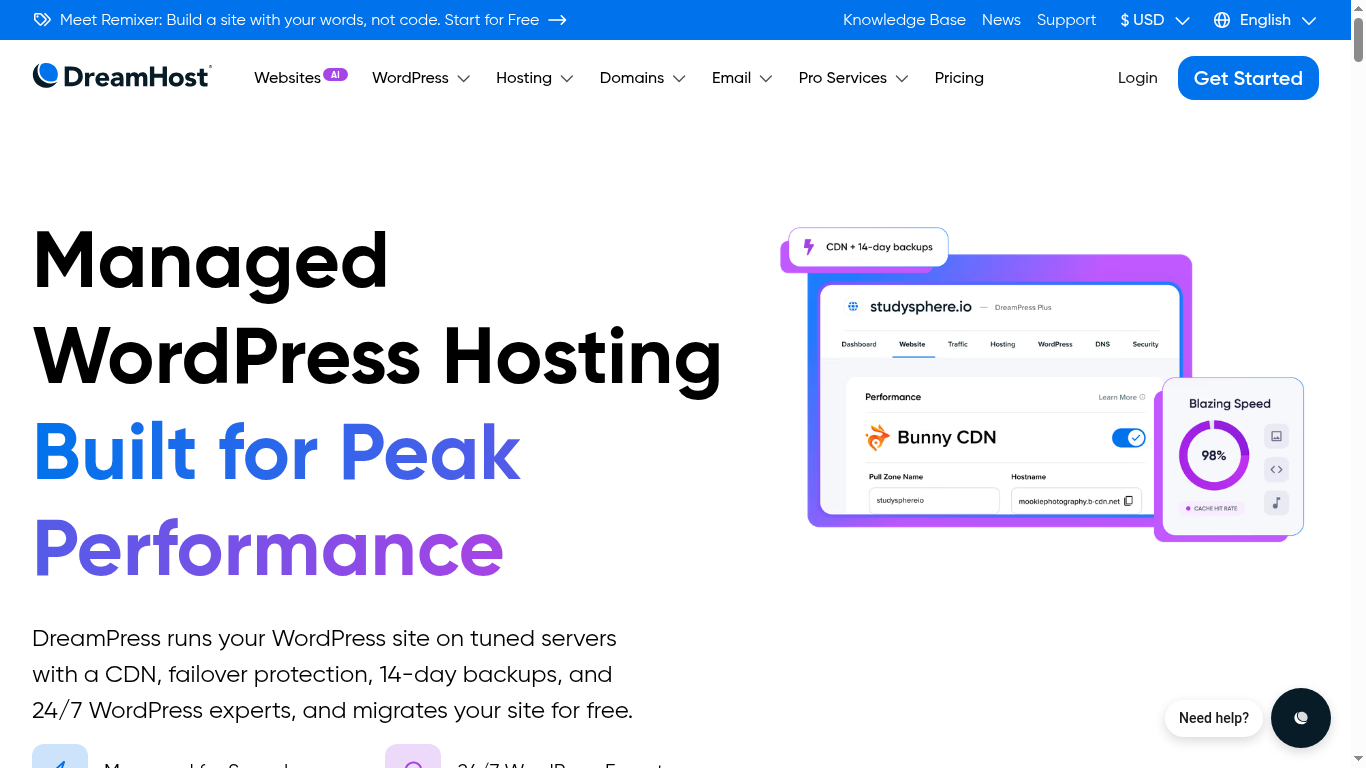
Beyond shared hosting, DreamHost offers DreamPress — their managed WordPress hosting line. DreamPress plans include Bunny CDN free, 1-click staging, and fully managed performance optimization.
Below is the DreamPress page — DreamHost’s fully managed WordPress hosting, from the entry plan up to the dedicated DreamPress 8 tier.
| Plan | Price | Visits/month | Storage | CDN |
|---|---|---|---|---|
| DreamPress Base | $16.99/mo | ~100,000 | 30GB NVMe SSD | Bunny CDN included |
| DreamPress Plus | $33.99/mo | ~250,000 | 60GB NVMe SSD | Bunny CDN included |
| DreamPress Pro | $64.99/mo | ~500,000 | 120GB NVMe SSD | Bunny CDN included |
DreamPress is a good step up from shared hosting if you need staging, CDN, and managed performance. However, at these price points, you should also compare against Kinsta ($35/mo) and Cloudways ($14/mo) before deciding.
VPS and Dedicated Servers
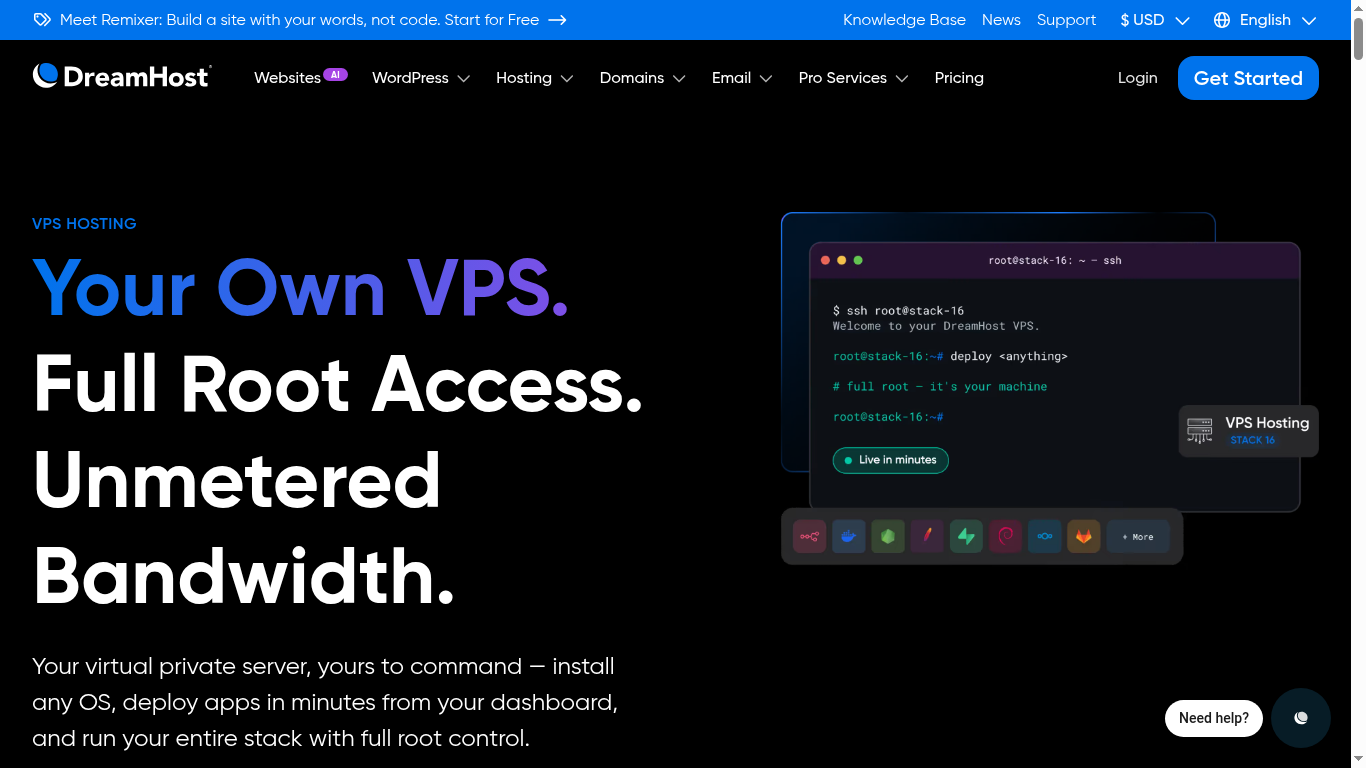
DreamHost also offers VPS hosting starting at $10/mo and dedicated servers for high-traffic sites. The VPS plans come in two flavors:
The screenshot below shows DreamHost’s VPS plans with full root access — the natural next step when a site outgrows shared hosting.
- Managed VPS: DreamHost handles server management, updates, and security. Starts at $13.75/mo (with sale discounts).
- Unmanaged VPS: You manage everything yourself. Starts at $4.50/mo for root access with your choice of OS.
For most users, the shared hosting or DreamPress plans are sufficient. Only move to VPS if you need root access, custom server configurations, or have outgrown shared hosting resource limits.
Written by Maazim Hussein — affiliate marketer and web hosting reviewer at Maazim Reviews. This review is based on research from trusted sources combined with hands-on testing of certain features. This review is updated regularly as DreamHost’s plans and features change.
Frequently Asked Questions
Is DreamHost good for WordPress?
How much does DreamHost cost after the first year?
Does DreamHost offer a money-back guarantee?
Does DreamHost use LiteSpeed servers?
Does DreamHost have data centers outside the US?
Is DreamHost better than Hostinger?
Does DreamHost include a free CDN?
Does DreamHost offer phone support?