Bluehost carries WordPress.org’s official recommendation badge — yet its renewal prices quietly triple what you paid at checkout. Millions launch their first site there because “the list” told them to. This review separates the endorsement from the invoice, so you know exactly what you’re signing up for.
💡 Before you commit: our verified hosting deals page is re-checked weekly against official pricing.
⭐ Quick Summary
Best for: First-time website owners and beginners who want simple WordPress hosting with an AI-powered setup wizard and free domain.
Starting price: $3.99/mo (renews at $9.99/mo)
Standout feature: WonderSuite AI wizard + WordPress.org recommended + free domain for 1 year + one-click WP install
Rating: ★★★★★ 4.5/5
Recommendation: Recommended for Beginners
Imagine building a beautiful new store, stocking it with amazing products, and inviting everyone you know—only to realize you built it in the middle of a desert with no roads leading to it. No one can find you, and those who do leave immediately because the door is jammed shut. This is the risk you take without a solid Bluehost review to guide your choice. Choosing the wrong web hosting is the fastest way to turn a great idea into a digital ghost town.
Most beginners get stuck here. You want to start a blog, a portfolio, or a business, but you are instantly bombarded with technical jargon like "bandwidth," "uptime," and "SSL certificates." It’s overwhelming, confusing, and enough to make you want to quit before you start.
But it doesn't have to be that way.
In this guide, we are going to cut through the noise. We will break down exactly what you need to know in this Bluehost review—one of the most famous names in the industry—and see if it is truly the best place to build your digital home in 2026.
What is Web Hosting? (Explained Simply)
Before we dive deeper into our Bluehost review, let’s clear up the confusion.
Think of your website as a house.
- The Domain Name (e.g., yourname.com) is your street address. It tells people where to find you.
- Web Hosting is the plot of land where your house sits.
Without the land (hosting), you have nowhere to build your house. Web hosting companies are simply landlords who rent you a space on the internet to store your website’s files so people around the world can visit them.

Why Beginners Need the Right Hosting Choice
Choosing a host is like choosing a foundation for your house. If you pick a bad one, cracks will appear.
- Speed matters: If your "land" is swampy (slow server), your visitors will leave before your page loads.
- Security is key: You need a fence (security features) to keep bad actors out.
- Support is a lifesaver: When the lights go out, you need a landlord who picks up the phone 24/7.
For a beginner, the "right" choice isn't necessarily the most powerful one—it’s the one that is easiest to use and forgiving when you make mistakes.
The Best Web Hosting Services for Beginners in 2026
While this article focuses on a Bluehost review, it is helpful to see where it stands in the market. In 2026, three major players dominate the beginner space. For a full comparison, see our best web hosting services guide.
The screenshot below shows Bluehost's WooCommerce hosting page — an example of how beginner-friendly hosts now package everything a new site owner needs into one plan.

1. Bluehost (The Best Overall for Beginners)
Bluehost is the "Apple" of beginner hosting—it just works. It is officially recommended by WordPress (the tool used to build 43% of the web) and is designed specifically for people who have never built a website before.
Why it wins for beginners:
The platform includes a feature called WonderSuite. This is an AI-powered onboarding wizard that asks you a few simple questions (e.g., "What is your site about?") and then automatically builds a layout for you. You don't need to know code; you just need to know what you want.
Key Features:
- Free Domain Name: You get your "street address" free for the first year.
- One-Click WordPress Install: No technical setup required.
- Free SSL: A digital lock that keeps your visitors' data safe.
- 24/7 Support: Chat and phone support are available whenever you get stuck.
The Verdict:
If you want the path of least resistance, it is the answer. It balances price, performance, and ease of use perfectly for a first-time site owner.
2. Hostinger (The Best Budget Alternative)
If every dollar counts, Hostinger is a strong runner-up. It is incredibly cheap and surprisingly fast. However, their support is chat-only (no phone), and the dashboard, while clean, is slightly more technical than Bluehost’s WonderSuite.
3. SiteGround (The Premium Choice)
If you have a bigger budget, SiteGround offers the best speed and customer service in the industry. For managed cloud hosting, check out our Cloudways Review. It is significantly more expensive than Bluehost, but you get what you pay for: top-tier performance and security tools that are usually reserved for pros.
Bluehost Review: A Deep Dive
Let’s look closer at why Bluehost is our top recommendation for 2026.
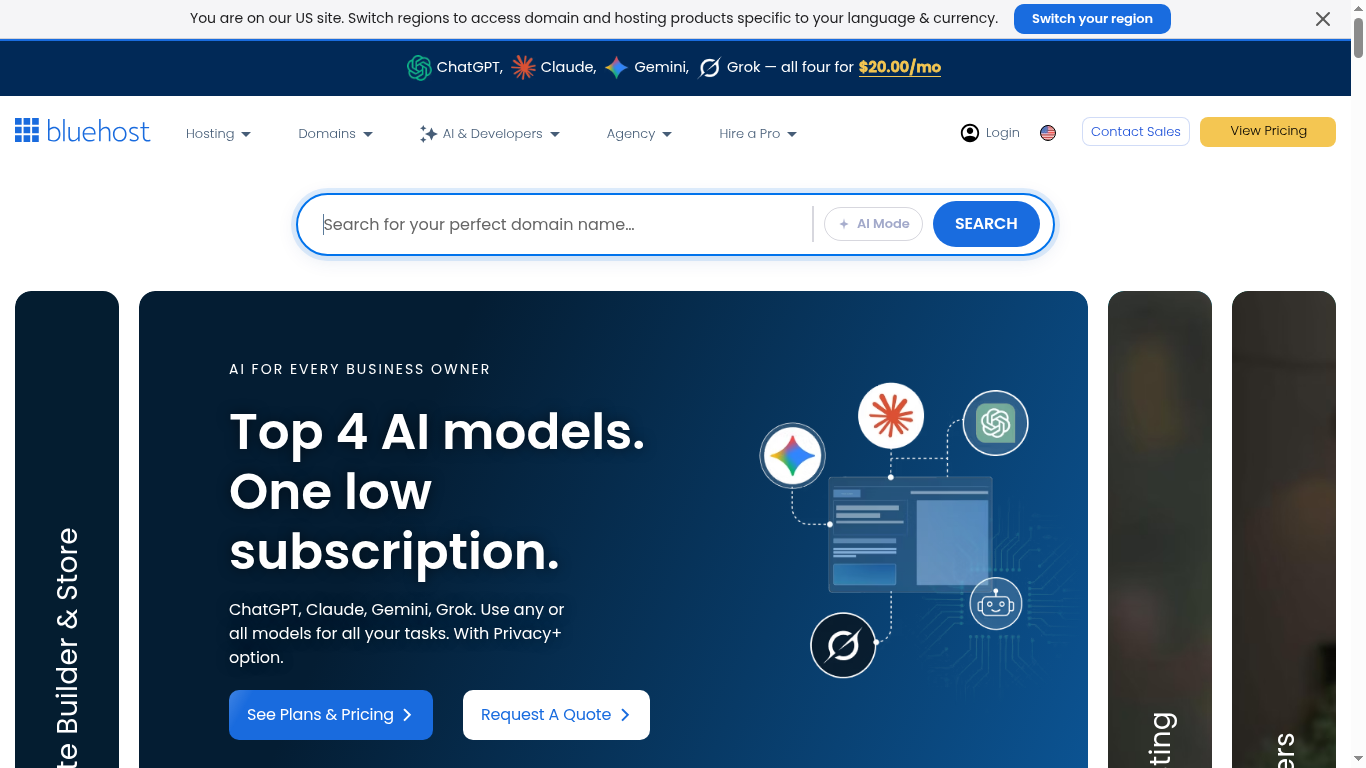
Here is the Bluehost homepage as it looks in 2026 — with the AI website builder now the flagship offer alongside their classic WordPress hosting.
Ease of Use
This is where Bluehost shines. The dashboard is clean, modern, and uncluttered. Unlike other hosts that look like a cockpit from the 1990s, Bluehost’s interface is intuitive. You will find big, clear buttons for "Log into WordPress" or "Check Email." The integration with WordPress is seamless; it feels like one unified platform rather than two separate tools.
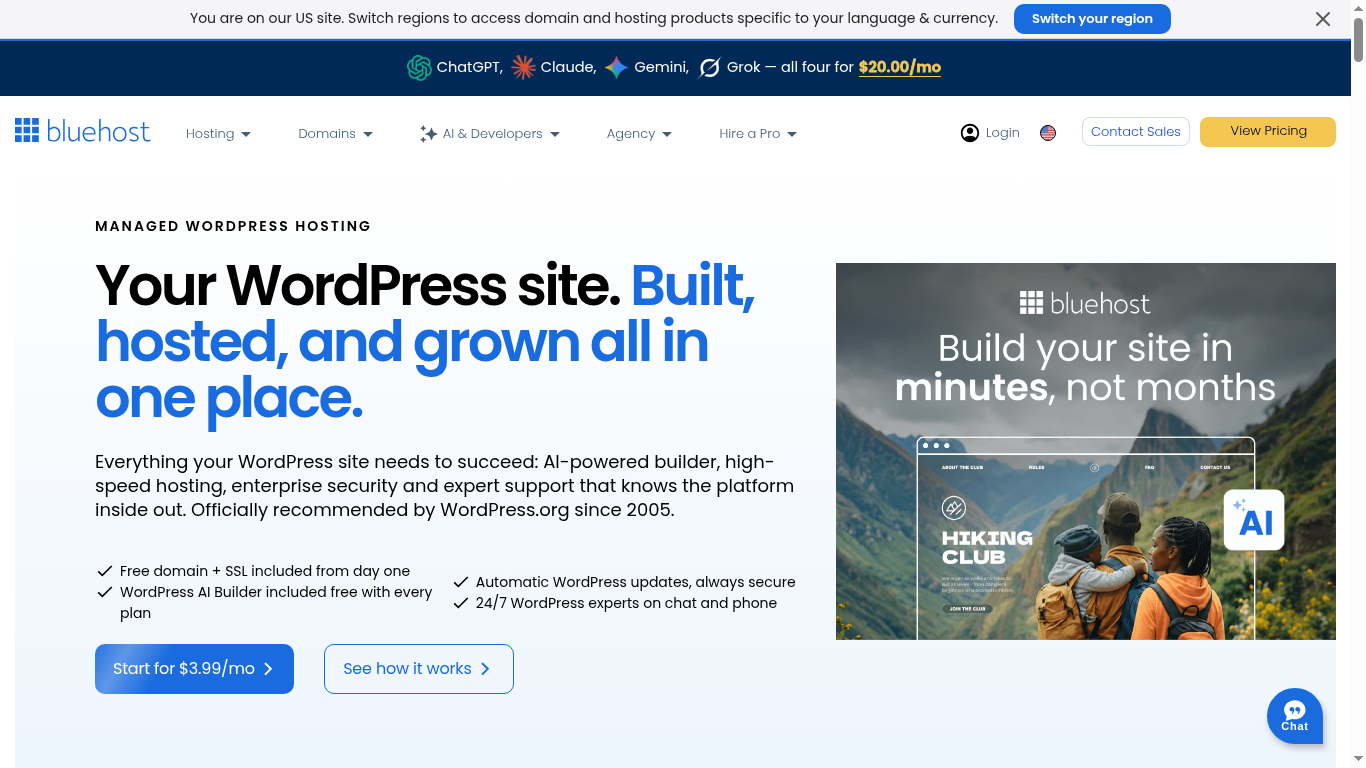
The screenshot below is from Bluehost's managed WordPress hosting page — the guided, one-click WordPress setup is exactly what makes it beginner-friendly.
Performance and Uptime
For a beginner, the platform offers reliable speeds. In 2026, they have continued to upgrade their infrastructure with SSD storage (faster hard drives). Your site will load quickly enough for Google to like it and for your visitors to stay happy. They also boast a 99.9% uptime guarantee, meaning your site will virtually never be "closed for business."
Customer Support
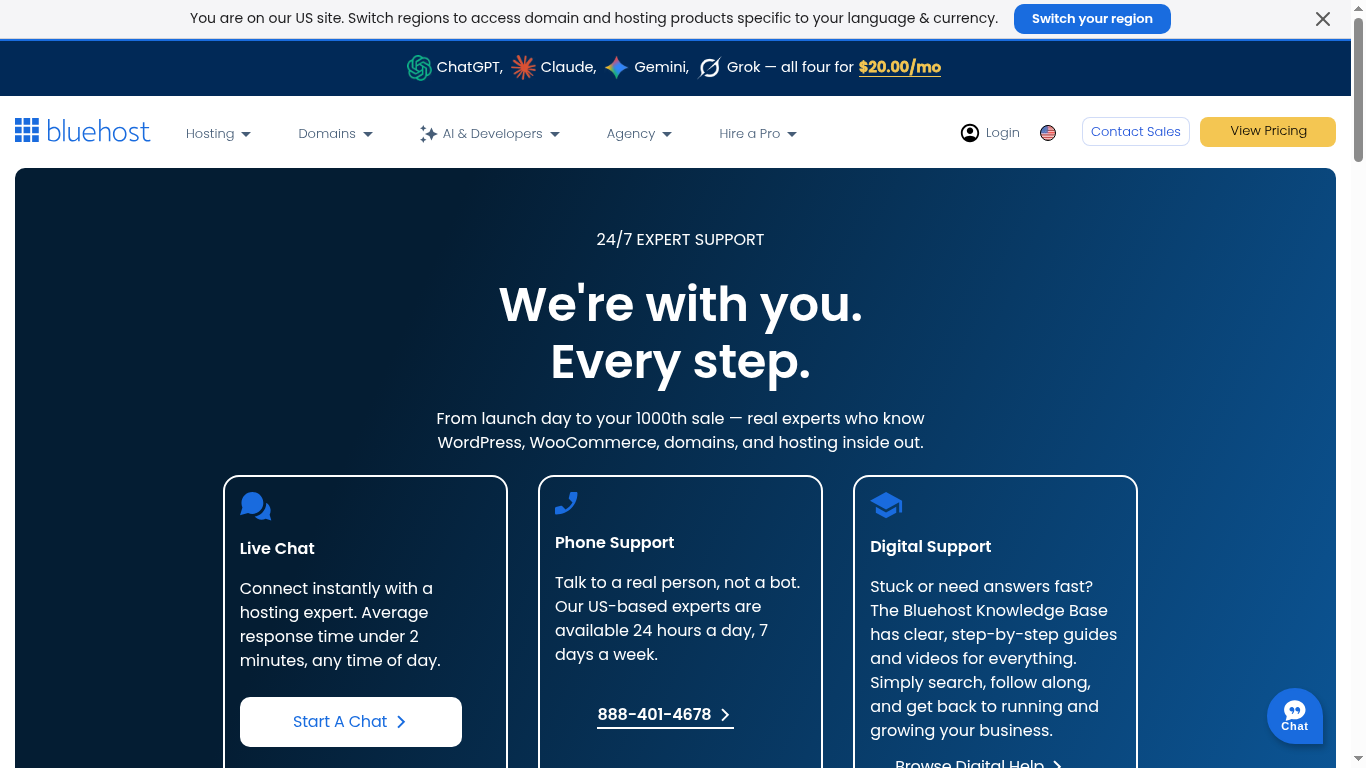
The platform offers 24/7 support via phone and live chat. This is crucial for beginners. If you accidentally break your site at 3 AM, there is a real human you can talk to who will help you fix it. In our testing, their agents are patient and accustomed to explaining things to non-techies.
Here is Bluehost's official contact page, showing the phone, chat and help-center options available to customers.
Pricing (Honest Breakdown)
Bluehost’s pricing strategy is common in the hosting world, but it can be confusing if you aren't paying attention.
The screenshot below comes directly from Bluehost's shared hosting page, showing the Basic, Choice Plus and Pro plans with current introductory pricing.
- Introductory Price: Very low (starting at $3.99/mo for Basic) for your first term (12 or 36 months).
- Renewal Price: When your initial term ends, the price goes up to the "regular" rate (usually $9.99+).
Pro Tip: To save the most money, lock in the introductory rate for 36 months. This gives you three full years of cheap hosting before you have to worry about the higher renewal price.

Comparison Table: Best Hosting Services (2026)
Here is how the top three options stack up against each other.
| Feature | Bluehost (Winner) | Hostinger (Budget) | SiteGround (Premium) |
| Intro Pricing | $ / $$(Affordable) | $ (Cheapest) | $$$ (Expensive) |
| Ease of Use | ⭐⭐⭐⭐⭐ (Easiest) | ⭐⭐⭐⭐ (Good) | ⭐⭐⭐⭐ (Technical) |
| Support | 24/7 Chat & Phone | 24/7 Chat Only | 24/7 Priority Chat |
| Speed | Good | Excellent | Superior |
| Best Use Case | Complete Beginners | Tight Budgets | Growing Businesses |
Renewal prices: what you actually pay in year two
Promotional prices are attached to the initial term only. The table below shows what Bluehost charges when that term ends, using the prices published on its own site on 28 October 2026. The last column is the real size of the jump, not the advertised discount.
| Plan | Intro price | Initial term | Renewal price | Increase |
|---|---|---|---|---|
| Starter | $3.99/mo | 36 months | $9.99/mo | +150% |
| Business | $6.99/mo | 36 months | $13.99/mo | +100% |
| eCommerce | $14.99/mo | 36 months | $21.99/mo | +47% |
Budget accordingly: a plan that looks cheap at checkout can cost three to five times more in year two. Verify the current figure on the official pricing page before you buy (official Bluehost pricing), and check our deals page for the latest verified discount codes.
Frequently Asked Questions
Is Bluehost good for beginners in 2026?
Yes. Bluehost is specifically designed for first-time website owners. The WonderSuite AI wizard handles setup automatically, and the dashboard uses clear, simple buttons instead of technical jargon.
How much does Bluehost cost per month?
Introductory pricing starts at $3.99 per month for the Basic plan, with higher tiers costing more. After the initial term (12 or 36 months), renewal pricing increases to around $9.99 per month or more.
Does Bluehost include a free domain?
Yes. Bluehost includes a free domain name for the first year with all hosting plans. After the first year, standard domain renewal rates apply.
Is Bluehost better than Hostinger?
Bluehost is better for absolute beginners who want phone support and an AI-powered setup wizard. Hostinger is better for tight budgets, offering lower prices but chat-only support.
Does Bluehost offer a money-back guarantee?
Yes. Bluehost offers a 30-day money-back guarantee on most hosting plans, allowing you to try the service risk-free.
Starting a website is an exciting journey, and the technology should help you, not hold you back.
If you are looking for a Bluehost review that gives you a straight answer: Yes, Bluehost is the best choice for beginners in 2026. It is not the fastest car on the race track, but it is the safest, most comfortable, and easiest to drive. It provides everything you need—domain, hosting, security, and design help—in one affordable package.
Key Takeaways:
- Web hosting is the "land" for your website; don't skimp on it.
- Bluehost is the easiest platform for beginners, thanks to its AI-powered setup.
- Lock in a long term (36 months) to get the best possible deal.