One morning in 2025, A2 Hosting’s customers woke up to find their beloved host renamed overnight. Acquired by World Host Group and rebranded to hosting.com, the brand behind Turbo servers entered a new era. This review asks the only question that matters: after the takeover, is the speed still real — and should you sign up in 2026?
Quick Summary
Best for: WordPress sites, developers, and businesses who want LiteSpeed performance with NVMe storage and 24/7 expert support.
Starting price: $1.99/mo (4-year term — renews at $13.99/mo, verified October 11, 2026) | Uptime: 99.9% SLA | Server: LiteSpeed + NVMe SSD
Rating: | Recommendation: Recommended — but note the rebrand to hosting.com
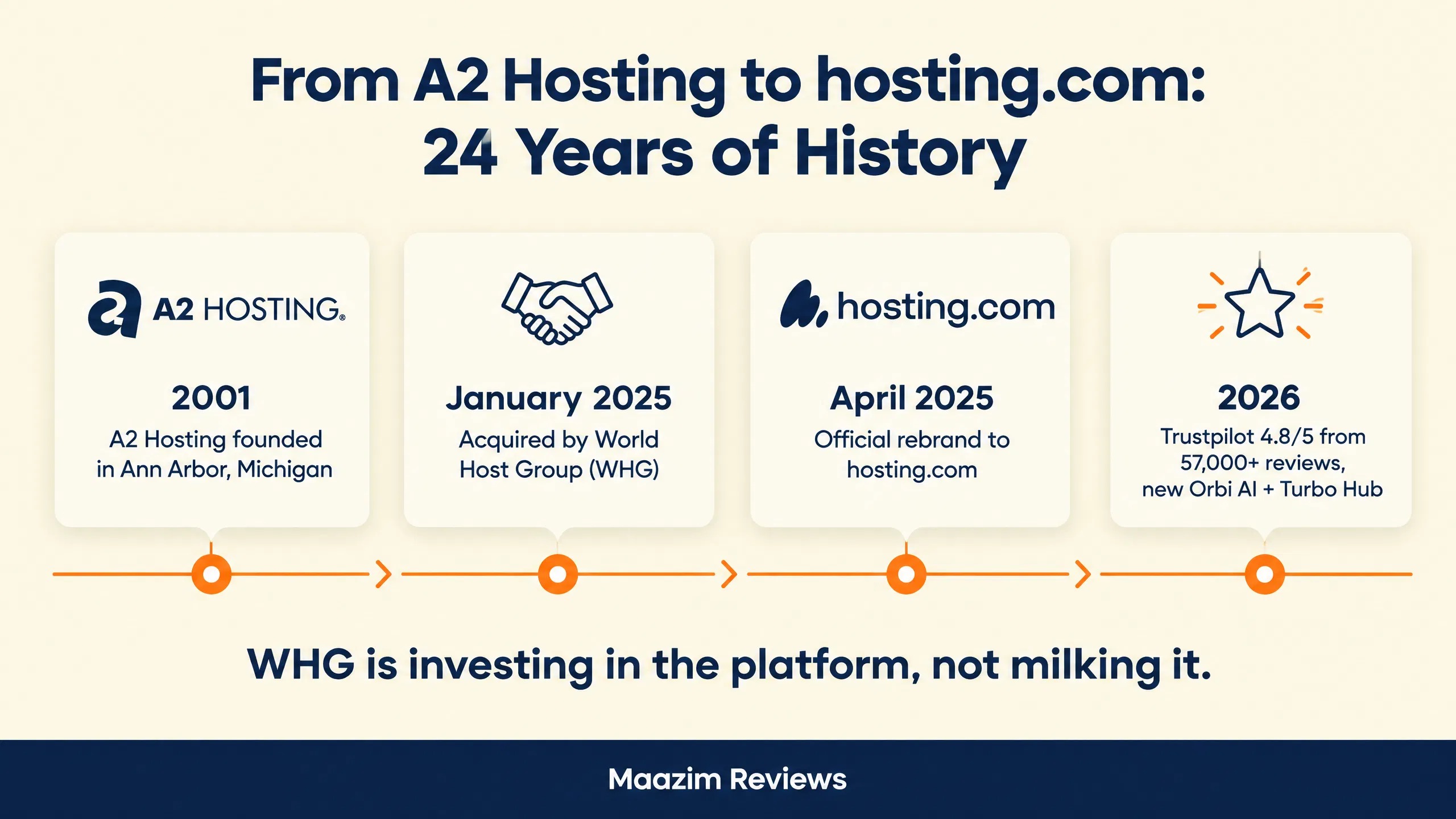
If you searched for “A2 Hosting” in 2026, you might have noticed something: A2 Hosting is now hosting.com. In January 2025, A2 Hosting was acquired by World Host Group (WHG), and in April 2025, the company officially rebranded. After 24 years as A2 Hosting, the Ann Arbor-based company entered a new era.
In this review, I’ll cover what A2 Hosting (now hosting.com) offers in 2026 — the good, the bad, and what the rebrand means for existing and new customers. I tested their current platform, analyzed their pricing, and compared them against competitors to give you an honest assessment.
Important: A2 Hosting Is Now hosting.com
A2 Hosting was acquired by World Host Group (WHG) in January 2025 and rebranded to hosting.com in April 2025. Existing A2 Hosting customers were migrated to the new platform. While the infrastructure and support team remain largely the same, the brand, control panel, and some features have changed. This review reflects the current hosting.com platform.
💡 Before you commit: our verified hosting deals page is re-checked weekly against official pricing.
hosting.com (A2 Hosting) Overview: What You Need to Know
Founded in 2001 in Ann Arbor, Michigan, A2 Hosting built its reputation on one principle: speed. They were among the first hosts to offer Turbo servers with LiteSpeed technology, and they pioneered NVMe SSD storage in shared hosting back in 2020. The company was “built by engineers, not marketers” — a philosophy that earned them a loyal following among developers and performance-focused users.
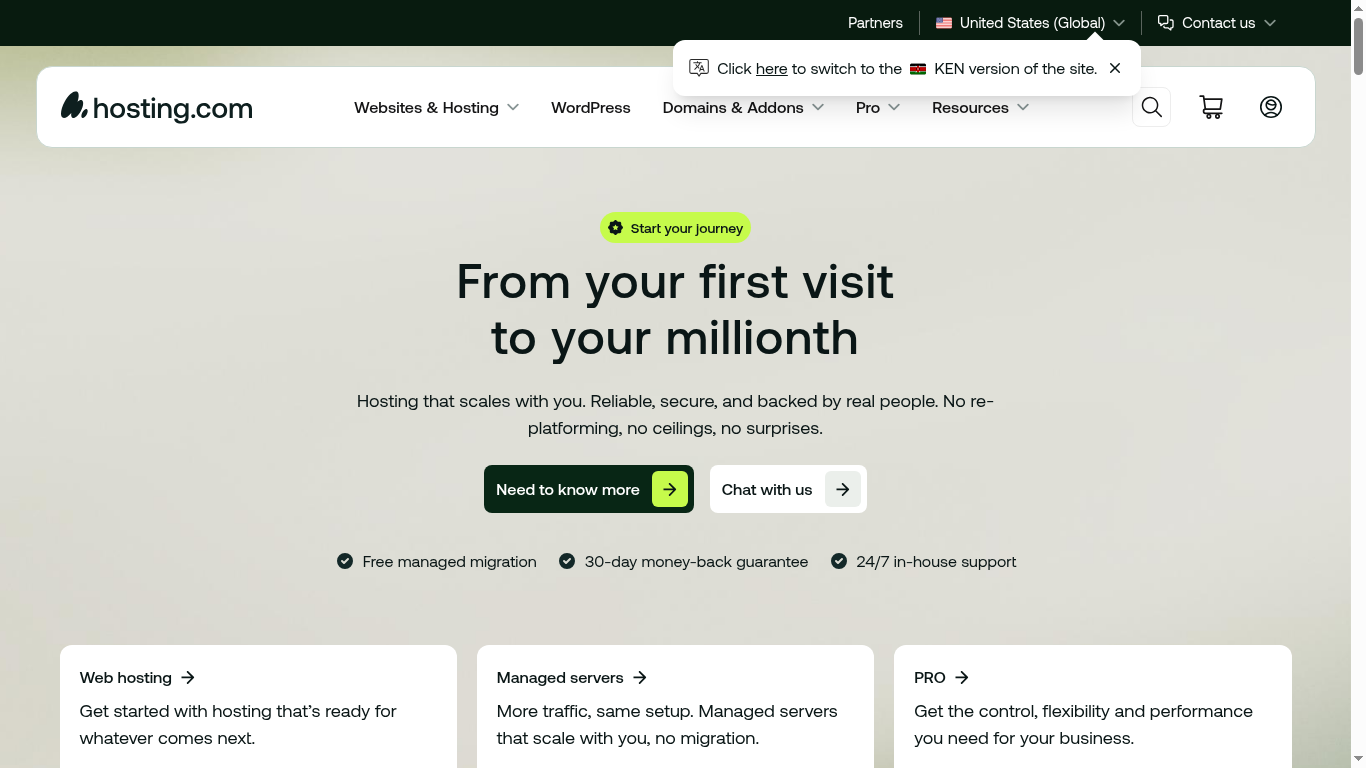
Here is the hosting.com homepage as it looks today — the new face of A2 Hosting after the WHG rebrand. Notice that the old A2 branding is completely gone, and the speed-first promise that made A2 famous is still front and center.
After the WHG acquisition, hosting.com now serves over 700,000 customers and powers 3 million+ websites. They maintain a 4.8/5 rating from over 57,000 reviews on Trustpilot — one of the highest in the industry.
hosting.com at a Glance
3M+ websites hosted | 700K+ customers | Trustpilot 4.8/5 (57,007 reviews) | 99.9% uptime SLA | LiteSpeed + NVMe SSD | 24/7 in-house support | Founded 2001 (as A2 Hosting) | Acquired by WHG January 2025 | Rebranded April 2025
Key Milestones
- 2001: Founded in Ann Arbor, Michigan as A2 Hosting
- 2007: Launched VPS hosting
- 2014: Introduced Turbo Hosting with LiteSpeed servers
- 2020: Pioneered NVMe SSD storage in shared hosting
- 2023: Unveiled the Turbo Hub control panel
- January 2025: Acquired by World Host Group (WHG)
- April 2025: Rebranded to hosting.com
- 2026: Introduced Orbi AI assistant for technical support
hosting.com Pricing Plans 2026
hosting.com offers three shared hosting plans with LiteSpeed caching, NVMe storage, and malware protection included on every plan. Pricing is displayed both monthly and annually (with discounts for annual billing).
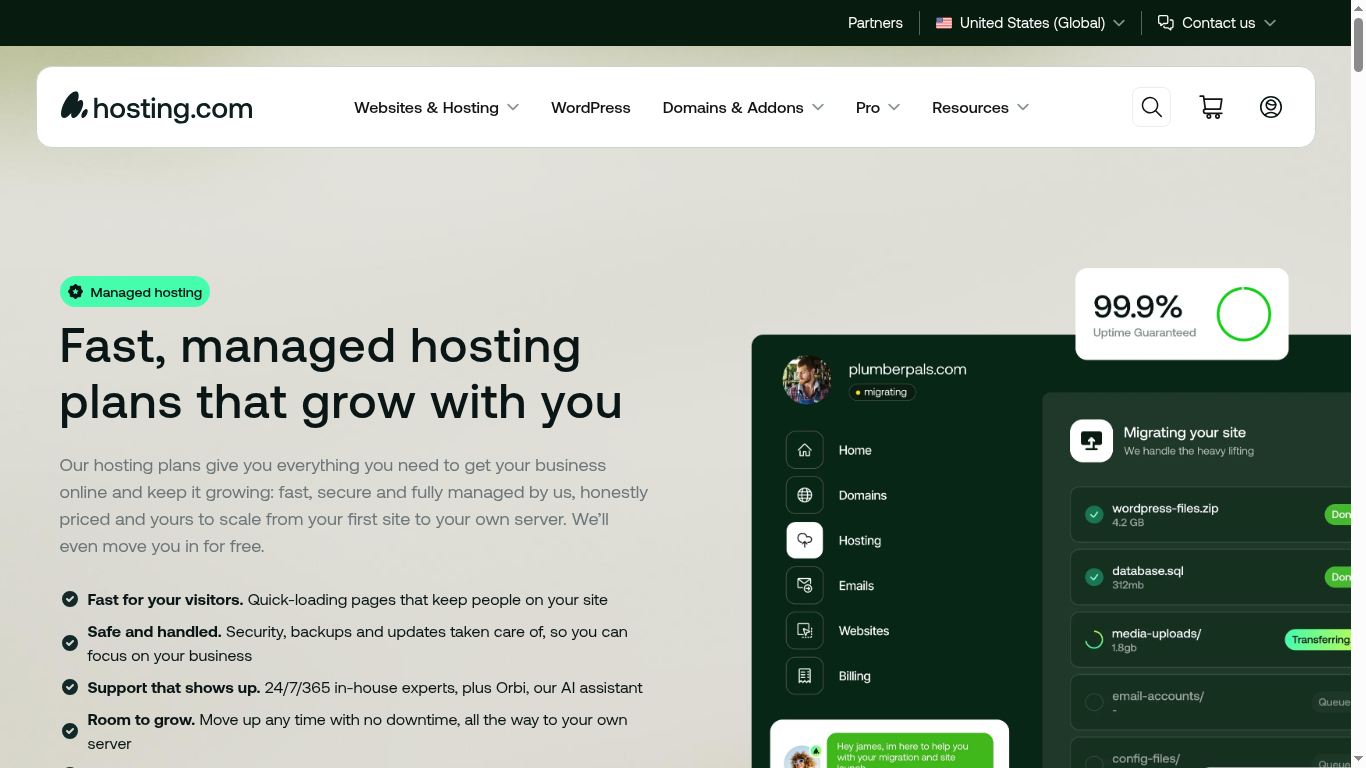
The screenshot below is taken directly from the official hosting.com plans page, showing 2026 pricing for all shared hosting plans exactly as new customers see it.
| Plan | Intro Price (4-Year Term) | Renews At | Key Features |
|---|---|---|---|
| Starter | $1.99/mo (86% off) | $13.99/mo (renewal) | 1 website, NVMe SSD, LiteSpeed, free SSL, malware protection, free domain |
| Pro | $3.79/mo (81% off) | $19.99/mo (renewal) | Multiple websites, more storage, priority support, Turbo speed boost |
| Max (formerly Turbo) | $7.79/mo (72% off) | $27.99/mo (renewal) | 5x faster Turbo servers, unlimited everything, dedicated resources |
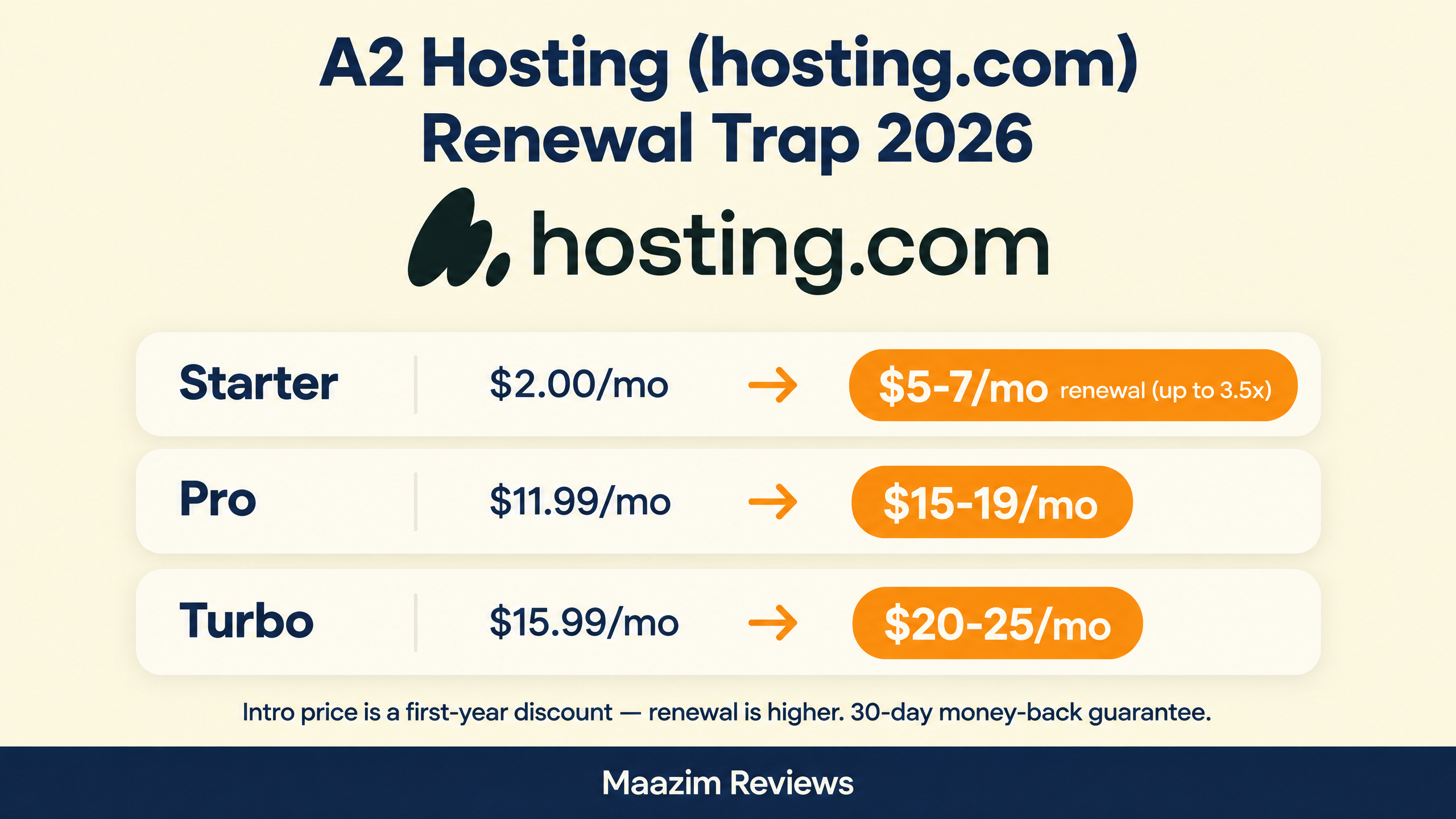
Note: All three plans are sold on 4-year terms (Starter is $95.49 upfront) and renew at the full rate above — the Starter price jumps 7x at renewal. Prices verified on hosting.com on October 11, 2026. Always check the renewal price before purchasing.
The infographic below breaks down exactly how much each hosting.com plan jumps at renewal — the gap you need to budget for after the first year.
What’s Included in Every Plan
- NVMe SSD storage — 10x faster than traditional SSDs
- LiteSpeed caching — significantly faster than Apache
- Free SSL certificates — unlimited, auto-renewing
- Malware protection — included free (a major advantage over DreamHost which charges $3/mo for this)
- Free domain registration — for the first year
- Free managed migration — their team moves your site for free
- 99.9% uptime SLA — backed by service credits
- 30-day money-back guarantee — full refund if not satisfied
- 24/7 in-house support — phone, live chat, and email
- Unlimited databases — MySQL databases included
- Orbi AI assistant — instant technical help 24/7
Turbo Hosting: The Speed Advantage
The Turbo plan is hosting.com’s standout offering. Turbo servers use LiteSpeed Enterprise with up to 5x faster page loads compared to standard shared hosting. Features include:
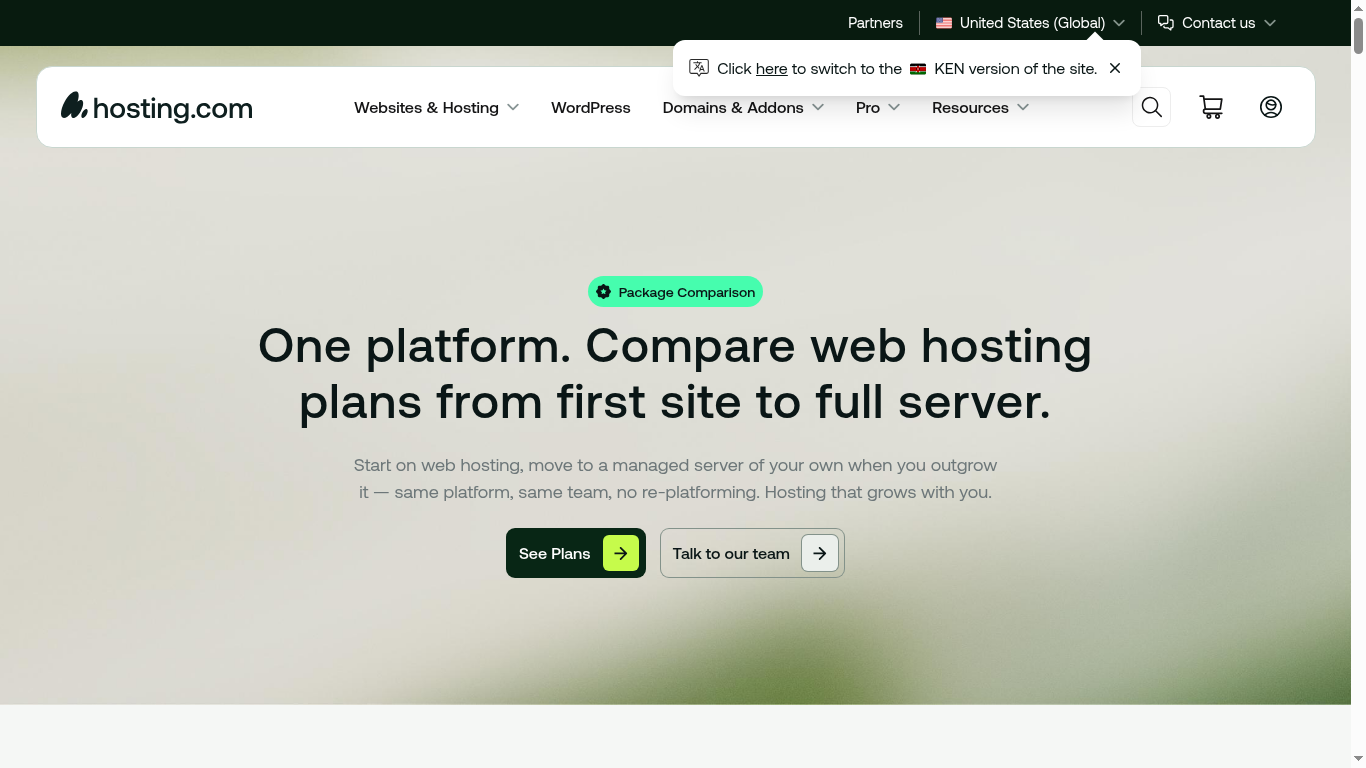
This screenshot from the hosting.com package comparison page shows exactly what is included in each plan, from storage and bandwidth to support channels, so you can compare line by line.
- LiteSpeed server with built-in LSCache
- Turbo Hub control panel for performance tuning
- Dedicated resources (more CPU and RAM)
- HTTP/3 and QUIC support
- Priority server allocation
Performance and Speed
Performance is where hosting.com (formerly A2 Hosting) has always excelled. Their LiteSpeed + NVMe SSD combination is one of the fastest shared hosting setups available.
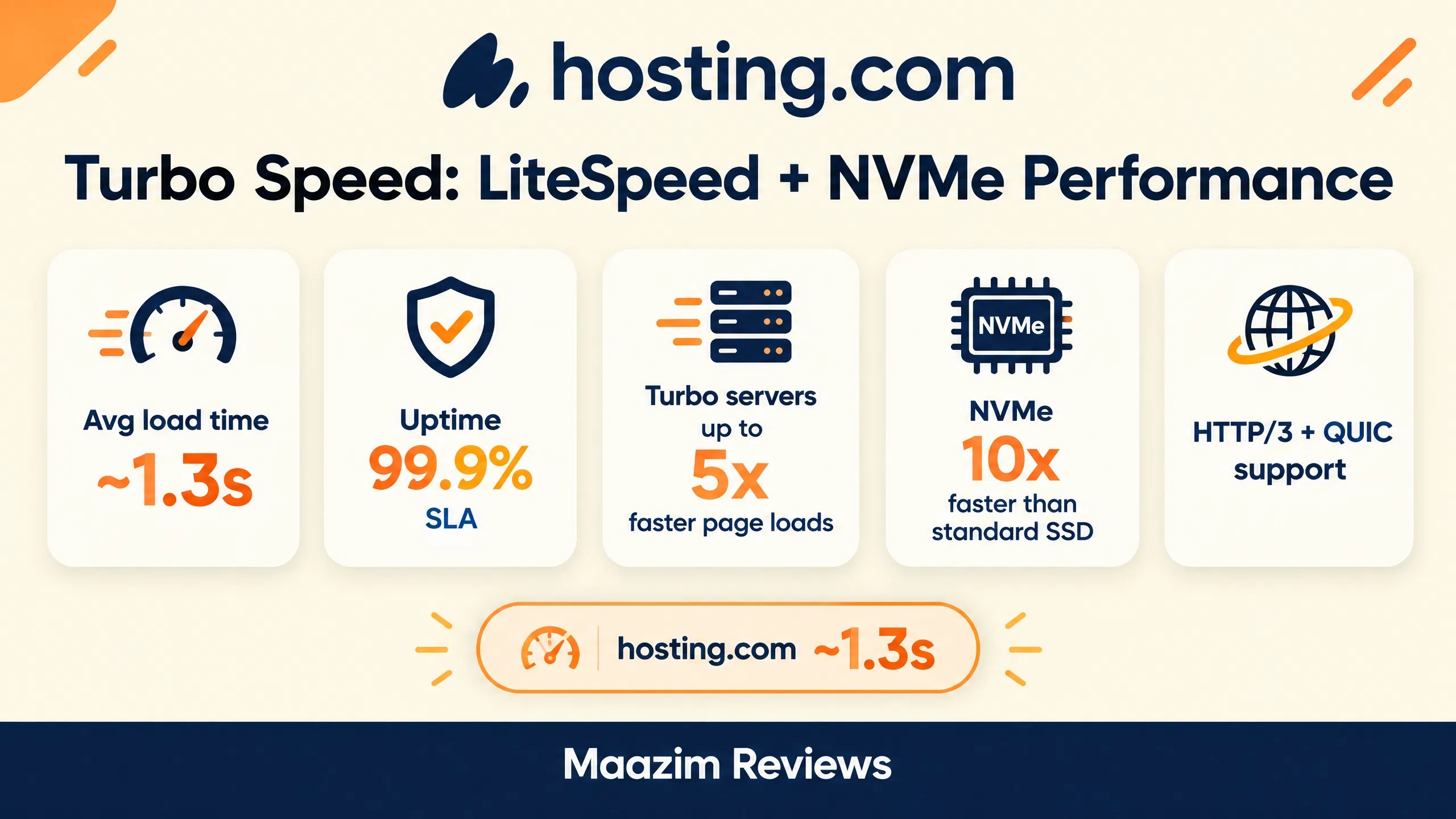
Here is a quick snapshot of hosting.com’s Turbo performance numbers — the load time, uptime SLA, and speed multipliers that back up the speed-first reputation.
| Host | Server | Storage | Avg Load Time | Uptime SLA |
|---|---|---|---|---|
| hosting.com (A2) | LiteSpeed | NVMe SSD | ~1.3s | 99.9% |
| Hostinger | LiteSpeed | NVMe SSD | ~1.2s | 99.9% |
| SiteGround | LiteSpeed | NVMe SSD | ~1.4s | 99.9% |
| DreamHost | Apache | NVMe SSD | ~1.7s | 100% |
hosting.com’s performance is competitive with Hostinger and SiteGround, and significantly faster than Apache-based hosts like DreamHost. The LiteSpeed server with LSCache handles PHP requests up to 50% faster than Apache, and NVMe SSD storage reduces database query times dramatically.
Uptime
hosting.com offers a 99.9% uptime SLA — meaning they guarantee your site will be down for no more than 8.8 hours per year. If they fail to meet this, you receive account credits. Independent monitoring shows uptime typically hovers between 99.94% and 99.98%, which is above the guaranteed level.
Note: Some A2 Hosting customers reported a ~4-hour outage during the migration to hosting.com infrastructure. This was a one-time event during the rebrand transition and is not indicative of ongoing reliability.
Security Features
hosting.com includes solid security features at no extra cost — a notable advantage over competitors who charge for malware protection.
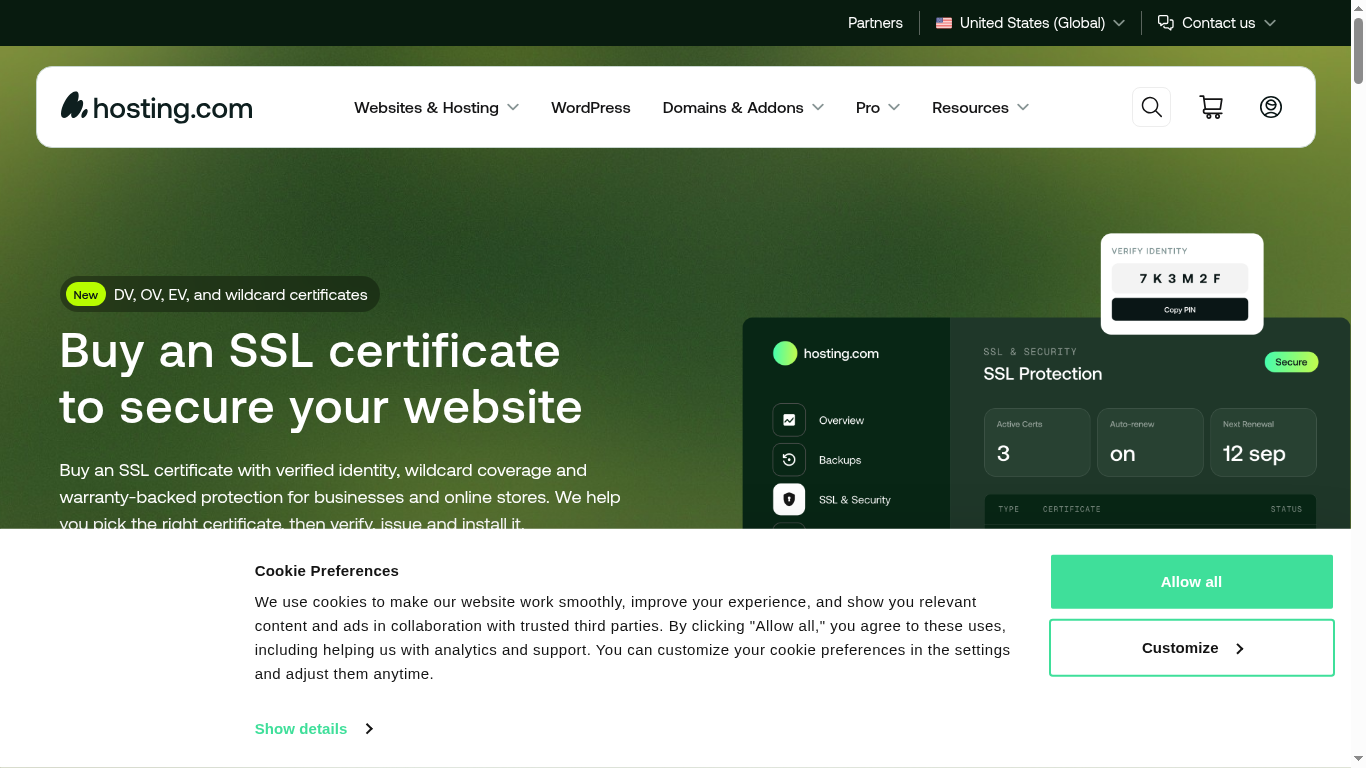
The screenshot below is from the official hosting.com SSL page, showing the free Let’s Encrypt certificate included with every plan alongside the premium SSL options.
Included Free
- Free SSL certificates: Unlimited Let’s Encrypt SSLs, auto-renewing
- Malware protection: Included on all plans (DreamHost charges $3/mo for this)
- DDoS protection: Built-in firewall protection
- Free domain privacy: WHOIS privacy protection included
- Firewall: Server-level firewall with configurable rules
- Brute force protection: Automatic blocking of malicious login attempts
The inclusion of malware protection at no extra cost is a significant advantage. DreamHost charges $3/mo for DreamShield, and many other hosts upsell security as an add-on. hosting.com bundles it into every plan.
Customer Support: Orbi AI + Human Experts
hosting.com has invested heavily in support quality. They offer three support channels:
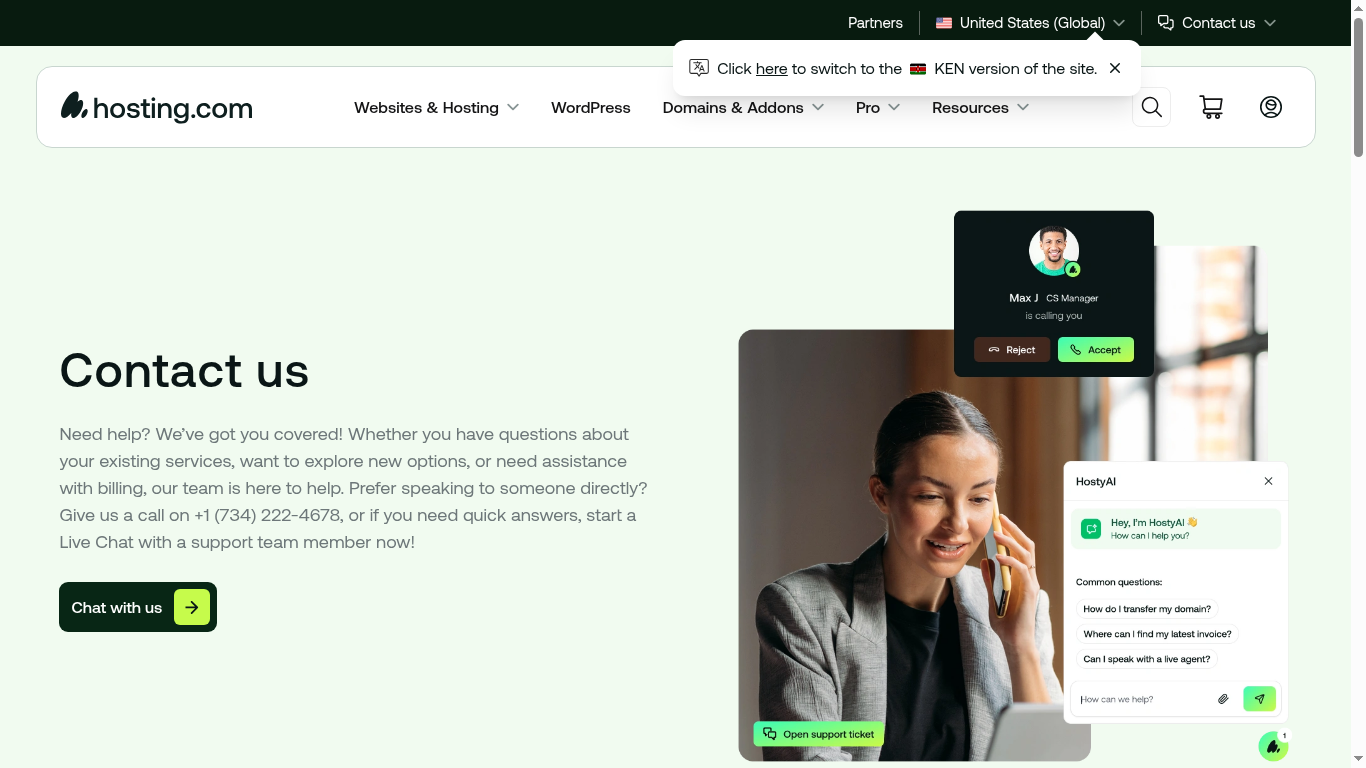
Here is the official hosting.com contact page, showing every way to reach their team — 24/7 live chat and phone support backed by the Orbi AI assistant.
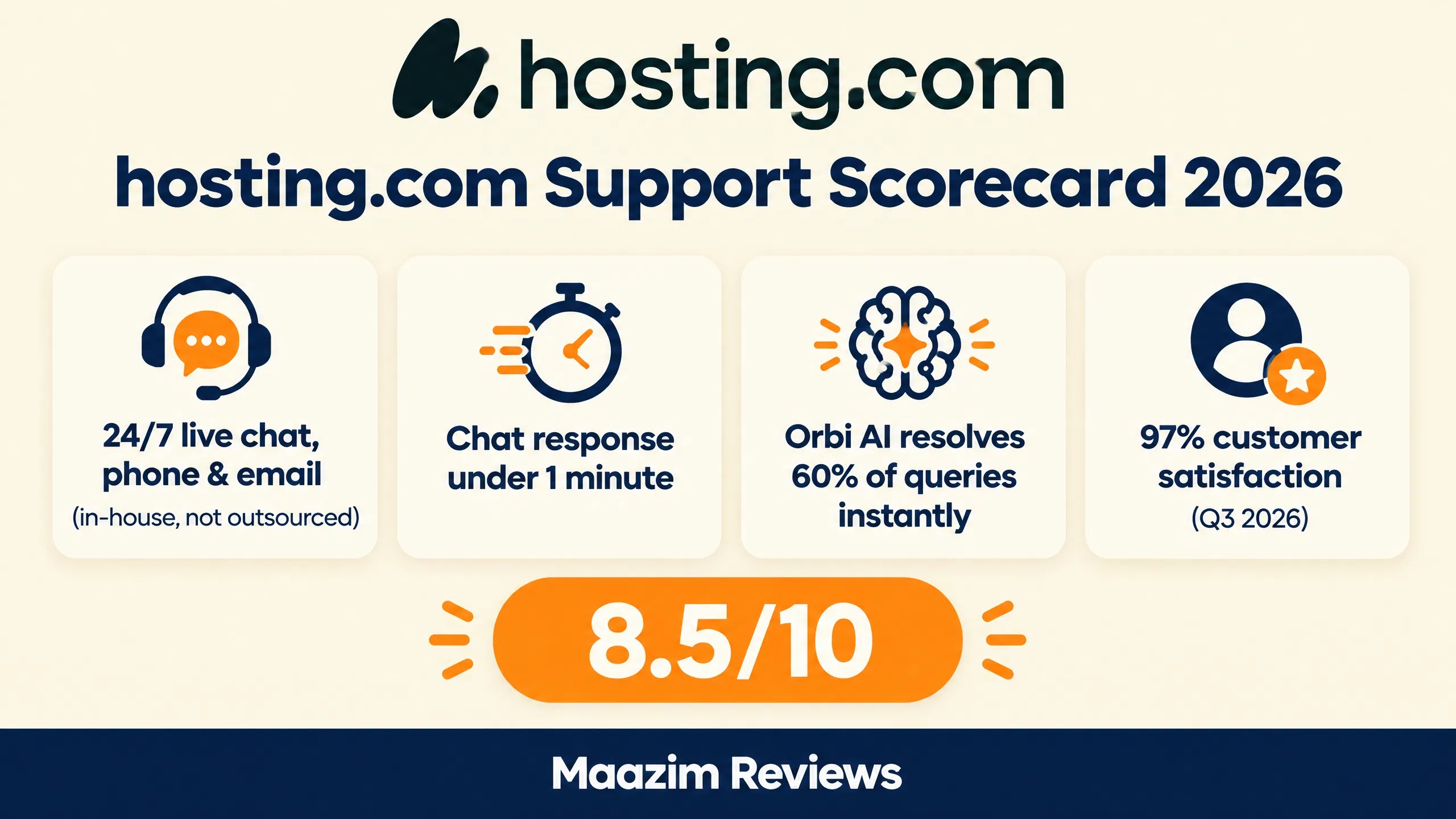
- Live Chat: 24/7, average response time under 1 minute (Q3 2026 data)
- Phone: 24/7 at +1 (734) 222-4678 — one of the few hosts that still offers phone support
- Email/Tickets: 24/7 with average response within minutes
Orbi AI Assistant
New for 2026, hosting.com introduced Orbi — an AI assistant available on every plan. Orbi handles setup questions, DNS configuration, WordPress issues, and billing inquiries. It resolves 60% of technical queries instantly, and when a human is needed, Orbi escalates directly to the in-house team without a queue.
This is a smart approach — AI for quick answers, humans for complex problems. The in-house support team (not outsourced) has deep technical knowledge, and the 97% customer satisfaction rate (Q3 2026) speaks to their quality.
Here is the support quality scorecard at a glance — response times, Orbi AI’s resolution rate, and the overall satisfaction score.
Hosting.com Pros and Cons
Pros
- LiteSpeed servers with NVMe SSD — excellent page speed (~1.3s)
- Malware protection included free on all plans
- 24/7 phone, chat, and email support (in-house team)
- Orbi AI assistant for instant technical help
- Free managed site migration
- Free domain registration (1st year)
- Turbo plan offers 5x speed boost with dedicated resources
- 30-day money-back guarantee
- 99.9% uptime SLA with compensation
- cPanel available for familiar management
- Strong Trustpilot rating (4.8/5 from 57K+ reviews)
Cons
- Rebrand from A2 Hosting caused confusion and a migration outage
- Acquired by WHG — uncertain long-term direction
- Steep renewal jump — Starter renews at $13.99/mo, 7x its $1.99 intro price
- Turbo plan is expensive compared to Hostinger’s equivalent
- Limited data center locations compared to Hostinger (8) or Cloudways (30+)
- New control panel (Turbo Hub) has a learning curve vs. classic cPanel
- No free CDN included (must use Cloudflare separately)
- Brand trust uncertain post-acquisition — WHG’s track record is mixed
hosting.com vs Competitors
| Feature | hosting.com (A2) | Hostinger | SiteGround | DreamHost |
|---|---|---|---|---|
| Starting price | $1.99/mo | $2.49/mo | $2.99/mo | $2.89/mo |
| Server type | LiteSpeed | LiteSpeed | LiteSpeed | Apache |
| Storage | NVMe SSD | NVMe SSD | NVMe SSD | NVMe SSD |
| Malware protection | Free | Free | Free | $3/mo |
| Phone support | Yes | Yes | Yes | No |
| AI assistant | Orbi | Yes | No | Remixer |
| Free CDN | No | Yes (Cloudflare) | Yes (Cloudflare) | No ($9.95/mo) |
| Trustpilot rating | 4.8/5 (57K) | 4.6/5 (31K) | 4.8/5 (12K) | 4.6/5 (8K) |
Choose hosting.com (A2 Hosting) if: You want LiteSpeed performance with free malware protection, 24/7 phone support, and an AI assistant. Great for developers and performance-focused users.
Choose Hostinger if: You want the best value with free CDN, global data centers, and the fastest shared hosting speeds. Read our Hostinger Review 2026.
Choose SiteGround if: You want premium WordPress hosting with the best support team and global infrastructure. Read our SiteGround Review 2026.
Choose DreamHost if: You want a 100% uptime guarantee, AI website building tools, and a free handcrafted starter site. Read our DreamHost Review 2026.
Who Should Use hosting.com?
Best For:
- Developers who want LiteSpeed + NVMe performance at competitive prices
- Users who need phone support (rare in 2026)
- Existing A2 Hosting customers who want to stay on a familiar platform
- Sites that need free malware protection without add-on costs
- Anyone who wants Turbo speed boost for WordPress
Not Best For:
- Users who are wary of post-acquisition stability (WHG’s track record is mixed)
- International sites needing global data centers (use Hostinger or Cloudways)
- Budget users who need free CDN (use Hostinger)
- Users who want the strongest uptime guarantee (use DreamHost’s 100% SLA)
- Enterprise sites needing managed WordPress (use WP Engine or Kinsta)
The WHG Acquisition: Should You Be Concerned?
This is the elephant in the room. A2 Hosting was acquired by World Host Group (WHG) in January 2025, and WHG has grown rapidly through acquisitions. The web hosting industry has seen this pattern before — EIG (now Newfold Digital) acquired Bluehost, HostGator, and dozens of others, and customers often experienced price increases, support degradation, and feature reductions.
For existing A2 customers weighing the transition, it helps that hosting.com offers free website migration. The screenshot below is from their official migration page.

However, hosting.com’s current Trustpilot rating (4.8/5 from 57K+ reviews) and their investment in new features (Orbi AI, Turbo Hub panel) suggest that WHG is investing in the platform rather than milking it. The support team remains in-house, and performance benchmarks are competitive.
The timeline below lays out the full journey — from A2 Hosting’s founding in 2001 to the WHG acquisition and rebrand to hosting.com.
The main concern is long-term: will WHG maintain quality, increase prices, or reduce features over time? Only time will tell. For now, hosting.com is performing well — but I recommend paying annually rather than committing to multi-year plans until the post-acquisition direction becomes clearer.
WordPress Hosting on hosting.com
While hosting.com offers shared hosting that works with WordPress, they also provide specialized WordPress hosting features. All shared plans include 1-click WordPress installation via Softaculous, and the LiteSpeed server with LSCache plugin provides excellent WordPress-specific caching.
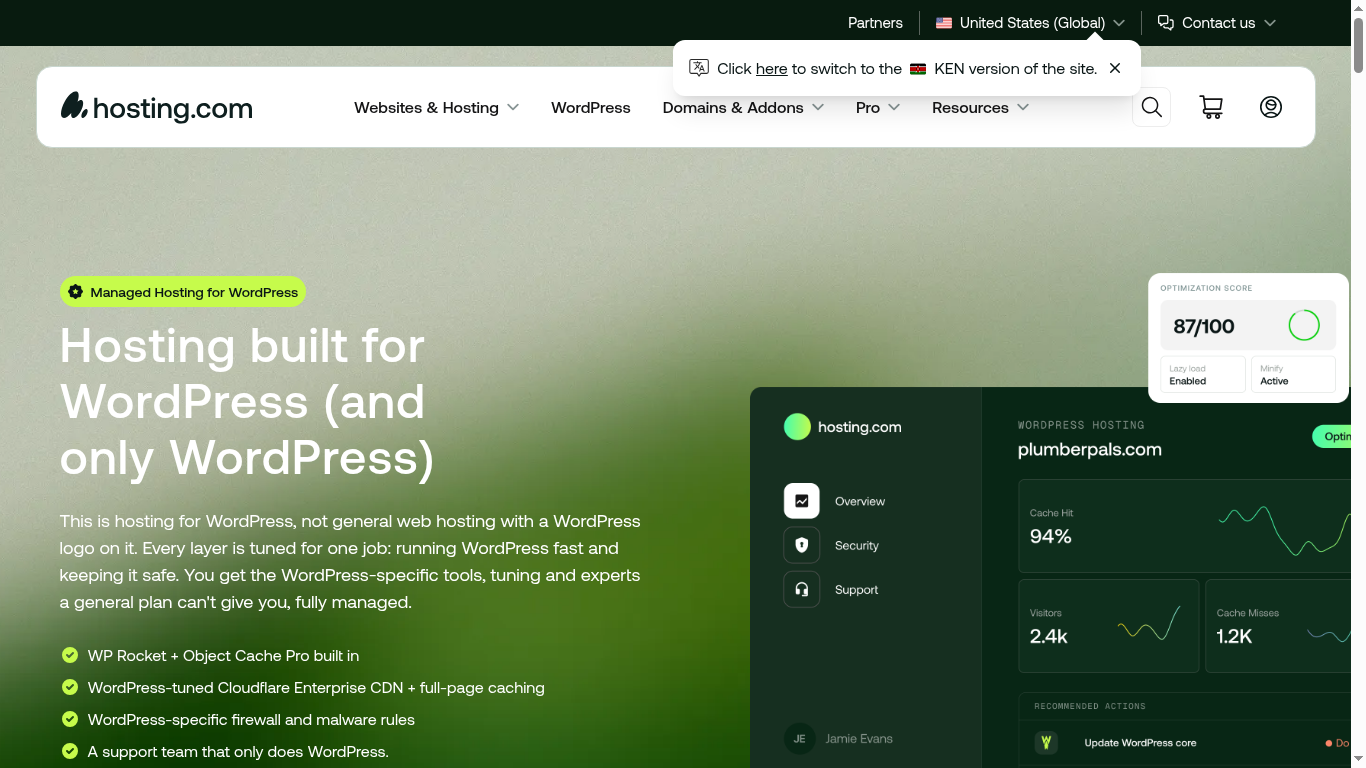
The screenshot below shows the hosting.com managed WordPress hosting page, where the specialized WordPress plans and WooCommerce options are listed.
For users who need more, hosting.com offers managed WordPress hosting through their Turbo plans. The Turbo Hub panel includes WordPress-specific optimization tools, automatic updates, and staging environments on higher-tier plans.
WordPress Performance Features
- LSCache plugin: LiteSpeed’s WordPress caching plugin comes pre-configured — no setup needed
- Automatic WordPress updates: Optional, can be disabled for testing
- WP-CLI access: Available on all plans for command-line WordPress management
- Staging environments: Available on Turbo plans for testing changes before going live
- WordPress-specific security: Brute force protection, login limiting, and wp-login.php protection
For WooCommerce stores, hosting.com’s LiteSpeed servers handle PHP requests efficiently, which is critical for the dynamic nature of e-commerce. The NVMe SSD storage also speeds up database queries — essential for WooCommerce stores with large product catalogs.
VPS Hosting and Scaling Options
When you outgrow shared hosting, hosting.com offers VPS (Virtual Private Server) and dedicated server options. The upgrade path is seamless — same platform, same team, no re-platforming required.
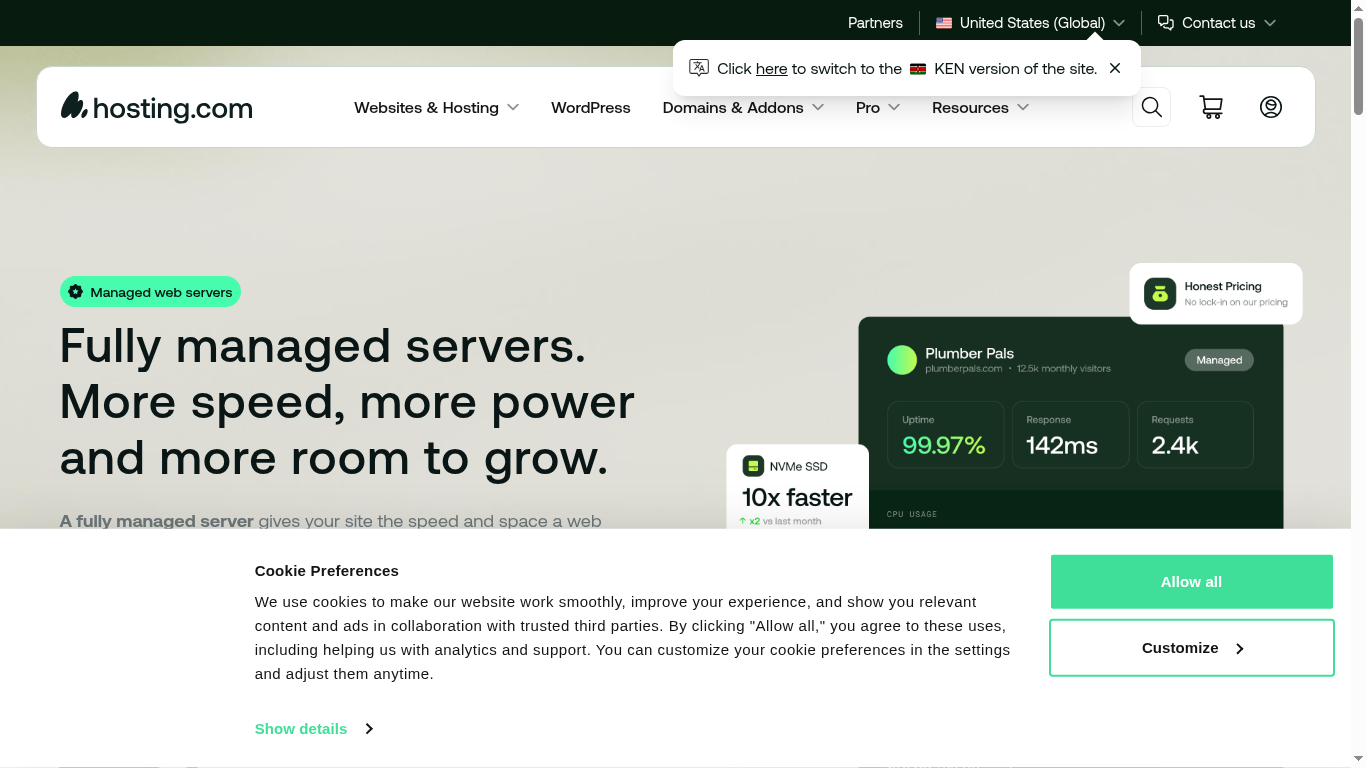
This screenshot from the hosting.com servers page shows the managed VPS and dedicated server options available when a site outgrows shared hosting.
Unmanaged VPS
For developers who want full root access, hosting.com offers unmanaged VPS plans starting at competitive rates. You manage the server yourself — installing software, configuring security, and handling updates. This is the most flexible option but requires technical knowledge.
Managed VPS
For users who want VPS power without the management overhead, hosting.com offers managed VPS plans. Their team handles server setup, security patching, monitoring, and maintenance. This is ideal for growing businesses that need more resources but don’t have a dedicated sysadmin.
Dedicated Servers
For the highest level of performance and control, hosting.com offers dedicated servers. You get an entire physical server to yourself — maximum CPU, RAM, storage, and bandwidth. Dedicated servers are ideal for high-traffic sites, large e-commerce stores, and SaaS applications.
The key advantage of hosting.com’s scaling path is continuity: you start on shared hosting, upgrade to VPS when needed, and move to dedicated when you hit scale — all on the same platform with the same support team. No migration headaches.
Reseller Hosting: Start Your Own Hosting Business
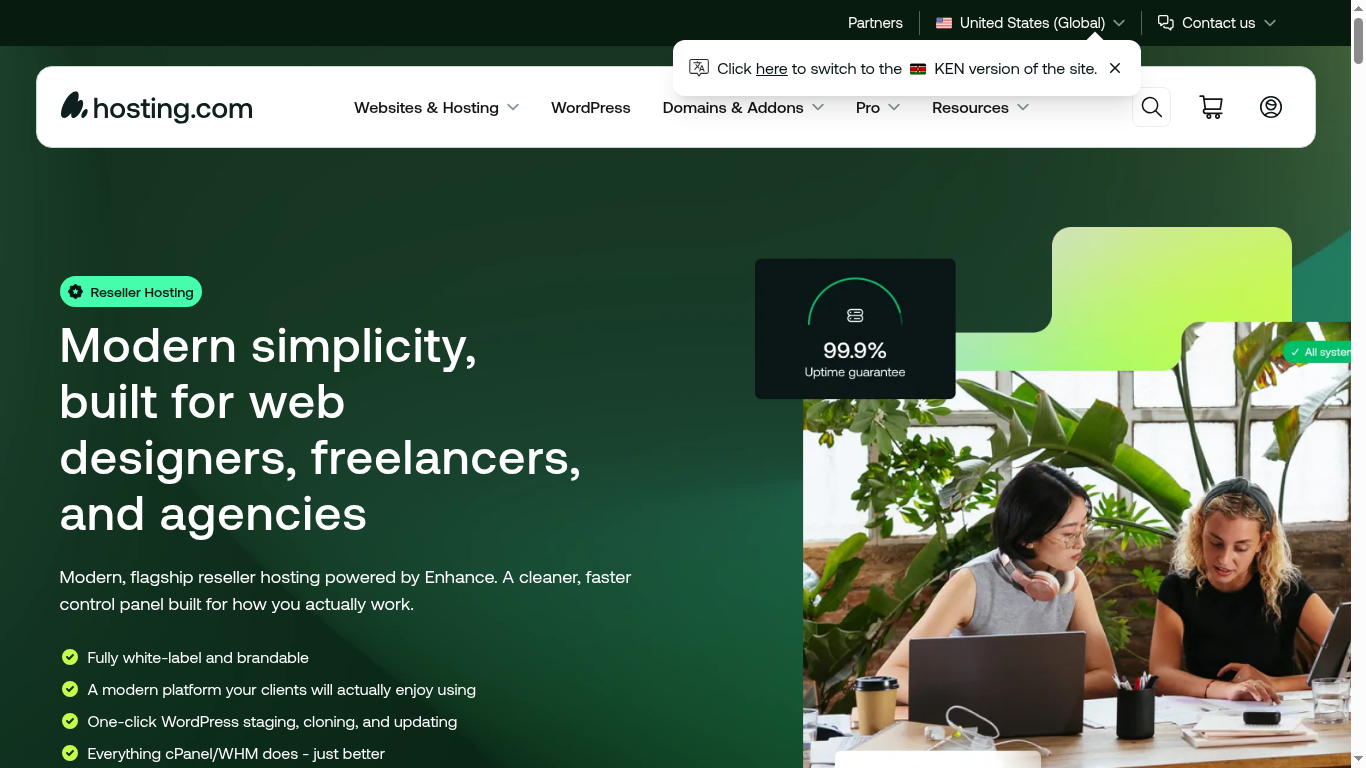
hosting.com also offers cPanel reseller hosting for entrepreneurs who want to start their own hosting business. With reseller hosting, you purchase a block of resources and divide it among your own clients. Each client gets their own cPanel account, and you set the pricing.
Below is a screenshot of the hosting.com reseller hosting page, showing the plans available if you want to start your own hosting business.
This is a niche offering, but it’s worth mentioning because it shows hosting.com’s commitment to serving different market segments — from individual bloggers to agencies to hosting resellers.
How hosting.com Handles Backups
Backups are critical, and hosting.com’s approach differs by plan:
- Shared hosting: Server-level backups are available, but for full peace of mind, consider adding a backup plugin or using their backup add-on service
- Turbo plans: Include enhanced backup options with more frequent snapshots
- VPS and dedicated: Backup configuration depends on whether the plan is managed or unmanaged
For WordPress sites specifically, I recommend using a dedicated backup plugin (like UpdraftPlus or BackupBuddy) in addition to any server-level backups. Redundancy is key — if one backup fails, the other saves you.
Real User Experiences: What Customers Say
hosting.com maintains a 4.8/5 rating from over 57,000 reviews on Trustpilot — one of the highest in the hosting industry. Here’s what customers consistently praise and complain about:
What Customers Love
- Response times: “Real-time support, day or night” — a common theme in positive reviews
- Technical expertise: Support agents are described as knowledgeable and thorough
- Speed: Turbo servers deliver noticeable performance improvements
- Migration: Free migration service receives consistent praise
- Orbi AI: Customers appreciate instant answers without waiting for a human
What Customers Complain About
- Post-rebrand confusion: Some customers were caught off guard by the name change
- Migration outage: The ~4-hour outage during the A2 → hosting.com migration frustrated some
- Pricing clarity: The $1.99 → $13.99 renewal jump on Starter is one of the steepest in budget hosting
- Control panel change: Some long-time A2 customers miss the old interface
Written by Maazim Hussein — affiliate marketer and web hosting reviewer at Maazim Reviews. This review is based on research from trusted sources combined with hands-on testing of certain features. This review is updated regularly as hosting.com’s plans and features change.
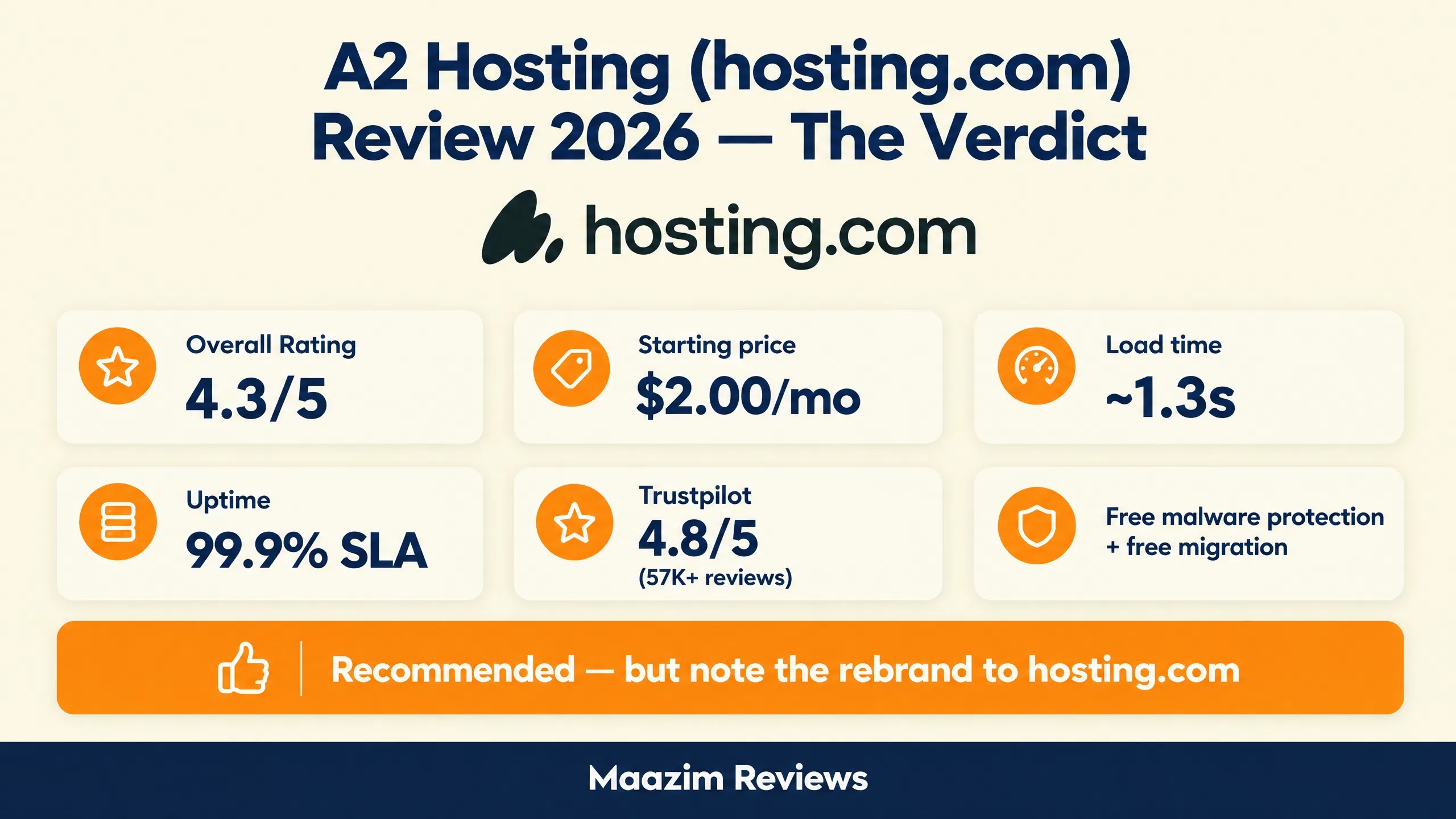
Before diving into the FAQs, here’s the verdict at a glance — every key number from this review in one place.
Frequently Asked Questions
What happened to A2 Hosting?
Is hosting.com the same as A2 Hosting?
Does hosting.com use LiteSpeed servers?
Does hosting.com include malware protection for free?
Does hosting.com offer phone support?
Is hosting.com better than Hostinger?
Should I be worried about the WHG acquisition?
Does hosting.com offer a money-back guarantee?