Every year, thousands of beginners pick the wrong host for one simple reason: they compare the checkout price instead of the renewal bill. In this Namecheap vs Bluehost showdown, one host starts at just $2.28/mo and includes free backups and domain privacy from day one — while the other carries WordPress.org’s official badge but quietly triples its price at renewal. By the end of this guide, you’ll know exactly which host deserves your money, which one will cost you about $69 more over two years, and the one question you must ask before clicking that checkout button.


Related comparison: torn between the two budget leaders? Our Namecheap vs Hostinger comparison breaks down pricing, performance, and renewal traps head to head.
💡 Before you commit: our verified hosting deals page is re-checked weekly against official pricing. Also worth reading: our Namecheap vs GoDaddy comparison.
What we actually compared
Namecheap and Bluehost sit in the same budget hosting category but come from very different backgrounds. Namecheap built its reputation on cheap domain registration and added hosting as a complementary product. Bluehost was built specifically for WordPress hosting and carries WordPress.org’s official recommendation badge, something only three hosts in the world hold.
This comparison focuses on shared web hosting, the product most readers are deciding between. We checked both providers’ official pricing pages and documentation, reviewed the leading organic search results for “Namecheap vs Bluehost,” and applied what we learned from our full-length Namecheap Review 2026 and Bluehost Review 2026. Prices can change by country, currency, tax, billing term, promotion, and account status, so treat the figures below as a transparent September 2026 snapshot, not a permanent quote.
We also read the first five prominent comparison results. They generally agree that Namecheap is cheaper, but many repeat introductory prices without explaining renewal costs, server technology differences, or backup policies in any detail. We fill those gaps below.
Pricing: the first payment is not the whole story
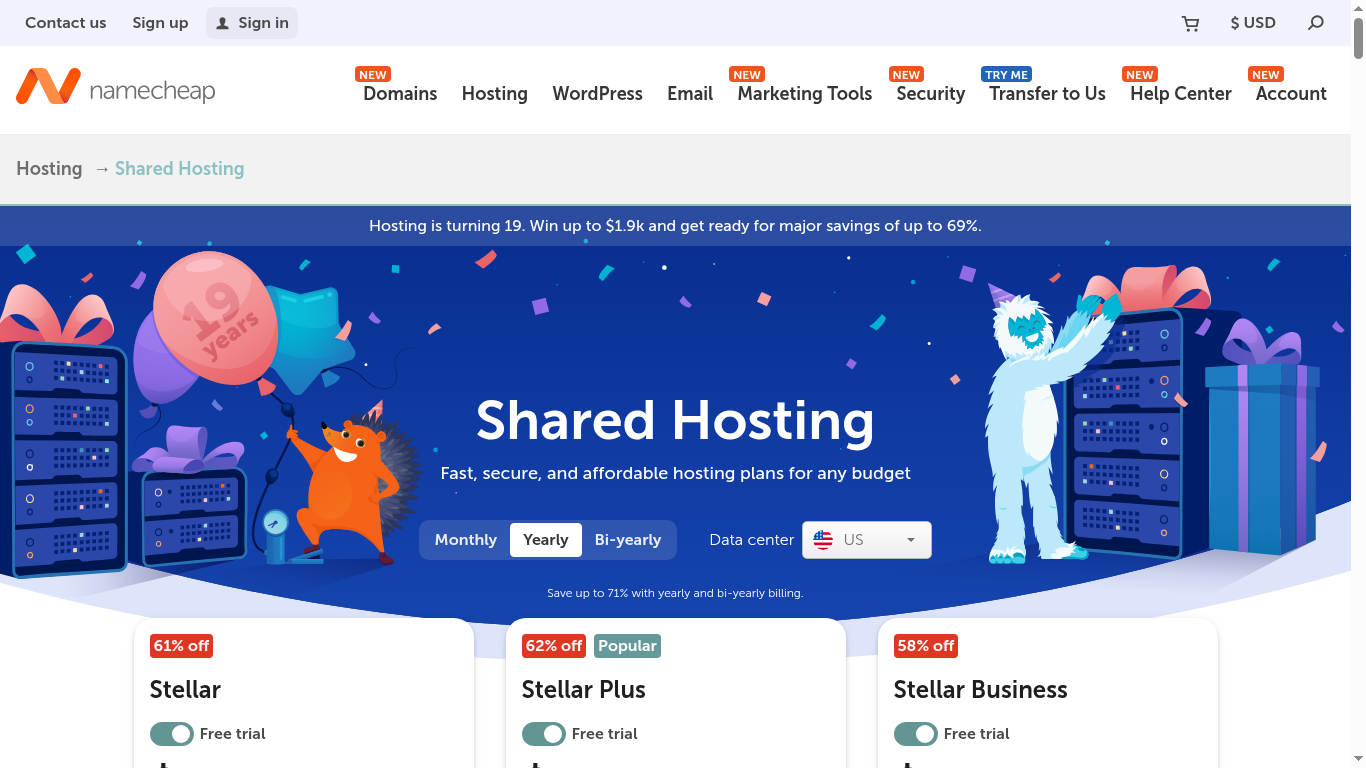
On Namecheap’s official hosting page at the time of research, the Stellar plan started at $2.28 per month on a yearly billing basis after a 30-day free trial. The official Namecheap knowledge base confirms the following renewal prices, effective May 19, 2026: Stellar renews at $4.66 per month ($55.88/year). Note that these are the yearly-term renewal rates; if you bill month-to-month the rates run higher (Stellar $5.88/mo, Stellar Plus $7.88/mo, Stellar Business $11.88/mo).
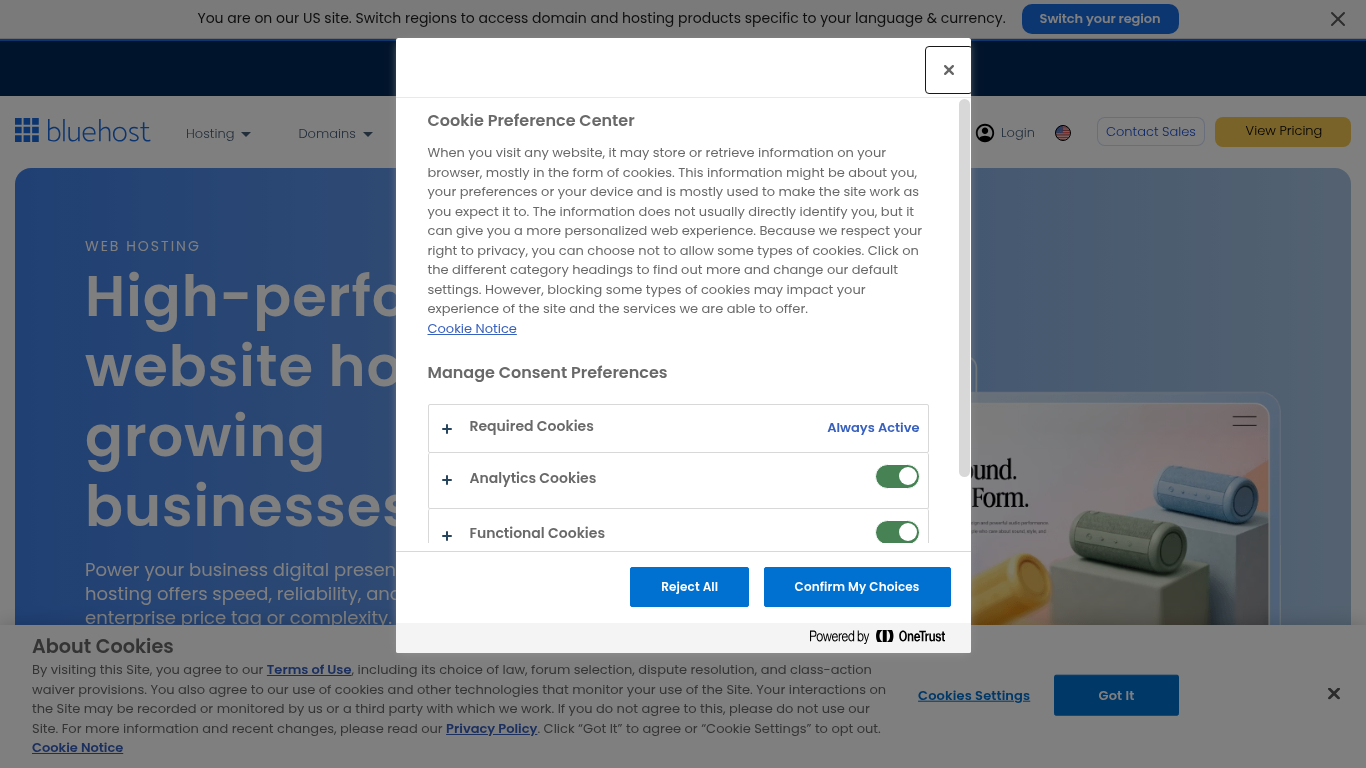
On Bluehost’s official pricing page, the Basic plan starts at $3.99 per month on an introductory basis. The renewal price for Basic is approximately $9.99 per month ($119.88/year). Choice Plus starts at $5.45 per month and renews at approximately $19.99 per month ($239.88/year). The Pro plan starts at $13.95 per month and renews at approximately $28.99 per month ($347.88/year).
The renewal gap is significant. Namecheap Stellar renews at $4.66/mo while Bluehost Basic renews at $9.99/mo. That is a 115% premium for Bluehost at renewal, and you get fewer websites (1 vs 3) and less storage (10 GB vs 20 GB) on the entry plan. Even Namecheap Stellar Business, the top shared tier with 50 GB SSD and unlimited everything, renews at $11.88/mo, which is barely more than Bluehost Basic’s renewal.
Here is the side-by-side comparison of the entry-level plans:
| Pricing and value | Namecheap Stellar | Bluehost Basic |
|---|---|---|
| Displayed introductory price | $2.28/mo (yearly, after 30-day trial) | $3.99/mo (36-month term) |
| Displayed renewal price | $4.66/mo ($55.88/yr) | $9.99/mo ($119.88/yr) |
| Renewal price increase (May 2026) | Yes, announced by Namecheap | No new announcement |
| Websites | 3 | 1 |
| Storage | 20 GB SSD | 10 GB NVMe SSD |
| Free domain | 1st year (non-premium TLD) | 1st year on annual plans |
| Free SSL | Yes (50 SSLs for 1st year, auto-installed) | Yes (free, auto-renewing) |
| Domain privacy | Free (WhoisGuard, automatic) | Not included on Basic ($14.99/yr extra) |
| Backups | Twice a week (included) | Not included on Basic (CodeGuard extra) |
| Email accounts | 30 | 10 (some sources report unlimited) |
| Money-back guarantee | 30 days | 30 days |
Pricing winner: Namecheap. Lower at entry, lower at renewal, and you get three websites instead of one, twice-weekly backups, and free domain privacy. Bluehost’s NVMe storage is faster per I/O operation, but 10 GB fills quickly if you run multiple plugins or host images locally.
Performance and server technology
Both providers use Apache web servers and cPanel, but the underlying storage technology differs. Bluehost has migrated to NVMe SSD storage across its shared hosting plans, which offers significantly faster read/write speeds than traditional SATA SSDs. Namecheap uses standard SSD storage on all plans, with cloud storage available on the Stellar Business tier in select data centers (US, EU, and SG).
Independent speed tests from multiple sources place Namecheap’s average response time around 514 ms versus Bluehost’s approximately 650 ms. However, Bluehost’s Speed Index has been measured at around 1.96s in independent testing, which is adequate for most content sites but not exceptional. Neither provider uses LiteSpeed web server or server-level page caching on shared hosting, which means you will need a caching plugin (like WP Rocket or W3 Total Cache) for optimal WordPress performance at either host.
On uptime, both providers perform similarly. Namecheap advertises a 100% uptime guarantee and independent monitors report approximately 99.99% uptime. Bluehost’s monitored uptime sits around 99.98%. The difference is marginal and within normal shared hosting variance.
Bluehost integrates Cloudflare CDN directly into its platform, which can improve load times for visitors far from the data center. Namecheap offers a Supersonic CDN that is compatible when you use Namecheap’s nameservers. Both approaches work, but Bluehost’s Cloudflare integration is more seamless for beginners who may not know what a CDN is.
Performance winner: Tie. Namecheap has a slight edge in raw response time and uptime, while Bluehost’s NVMe storage and built-in Cloudflare CDN give it an advantage for disk-intensive operations and global content delivery. For most small to medium websites, you will not notice a meaningful difference.
Features and everyday usability
Namecheap’s shared hosting includes several features that Bluehost reserves for higher-tier plans. On the Stellar plan ($2.28/mo), you get three websites, 20 GB SSD storage, 30 email accounts, twice-weekly backups, free domain privacy, and a free SSL certificate. Namecheap also includes Imunify360 security on all shared plans, which provides real-time malware scanning, automated defense against brute force attacks, and a web application firewall.
Namecheap has recently added AI tools for WordPress and an AI website builder to all shared hosting plans. These features help generate content, suggest layouts, and streamline the site-building process. The AI website builder competes with Bluehost’s WonderSuite but takes a different approach, focusing on content generation rather than guided WordPress setup.
Bluehost’s standout feature is WonderSuite, an AI-powered WordPress onboarding wizard that includes WonderStart (guided setup), WonderBlocks (pre-designed block patterns), and an AI website builder. For absolute beginners who have never used WordPress, this is genuinely helpful. Bluehost also offers over 300 design templates and a built-in website builder for users who do not want to use WordPress at all.
Bluehost’s WordPress.org official recommendation is a real differentiator. Only three hosting providers carry this badge (Bluehost, DreamHost, and SiteGround). It means WordPress.org has vetted Bluehost’s WordPress hosting infrastructure and found it meets their standards. This does not mean Bluehost is the fastest or cheapest WordPress host, but it does mean the WordPress integration is well-tested and reliable.
Bluehost includes one-click WordPress installation on all plans, automatic WordPress core updates, and a staging environment on higher-tier plans. Namecheap also offers one-click WordPress installation through cPanel’s Softaculous installer, but the WordPress-specific optimization is less deep than what Bluehost provides.
Features winner: Namecheap for value, Bluehost for WordPress integration. Namecheap gives you more resources for less money. Bluehost gives you a more polished WordPress experience with AI-guided setup, official recommendation, and deeper WordPress-specific tooling.
Backups, email, domain, and security details
Backups are where the two providers diverge sharply. Namecheap includes twice-weekly backups on all shared hosting plans, including the entry Stellar tier. Stellar Plus and Stellar Business add AutoBackup, which provides more frequent automated backups. This is included at no extra cost.
Bluehost does not include backups on the Basic plan. You need to purchase CodeGuard separately or upgrade to Choice Plus, which includes one year of daily backups (after which it becomes a paid add-on). For beginners who may not think to set up their own backup solution, this is a meaningful gap. Losing a site because you did not realize backups were not included is a preventable disaster.
On email, Namecheap includes 30 email accounts on Stellar and unlimited accounts on Stellar Plus and Stellar Business. Bluehost includes 10 email accounts on Basic (some sources report unlimited, but the official documentation specifies a limit). Each Bluehost email account comes with 500 MB storage on Basic and unlimited storage on higher plans.
Domain privacy is another key difference. Namecheap includes WhoisGuard for free, automatically applied to eligible domains. Bluehost charges $14.99 per year for domain privacy on the Basic plan and includes it only on Choice Plus and higher. If you value your personal information not being publicly visible in WHOIS records, Namecheap’s free privacy is a clear advantage.
On security, both providers include free SSL certificates. Namecheap goes further with Imunify360 on all plans. Bluehost includes standard security monitoring, DDoS protection, and secure shell (SSH) access. Both offer two-factor authentication for their control panels. Neither provider offers a dedicated firewall on shared hosting, though Namecheap’s Imunify360 includes a web application firewall component.
Backups and security winner: Namecheap. Free backups on every plan, free domain privacy, and Imunify360 security give Namecheap a clear edge. Bluehost’s backup policy on Basic is a genuine weakness that budget-conscious buyers should factor into their total cost calculation.
Data centers and visitor geography
Namecheap operates data centers in the United States (Arizona) and the United Kingdom. The Stellar Business plan with cloud storage also supports data centers in the EU and Singapore. For most visitors coming from North America or Europe, Namecheap’s data center coverage is adequate. If your audience is primarily in Asia-Pacific, the Singapore option on Stellar Business is worth considering.
Bluehost operates a single primary data center in Utah, USA, leveraging the broader Newfold Digital infrastructure (the parent company that also owns HostGator and Web.com). While Bluehost’s Cloudflare CDN integration helps serve cached content globally, the origin server is always in the United States. For visitors in Asia, Australia, or the Middle East, this means uncached requests must travel to Utah and back, which can add 200-400 ms of latency.
Neither provider matches the global footprint of premium hosts like SiteGround (11 data centers) or Kinsta (35+ regions via Google Cloud). But within the budget category, Namecheap’s UK data center gives it a slight edge for European visitors, and the Singapore option on Stellar Business extends reach to Asia.
Data center winner: Namecheap. Multiple data center options (US, UK, EU, SG on Business) give Namecheap better geographic coverage than Bluehost’s single US location. Bluehost’s Cloudflare CDN partially compensates, but the origin server location still matters for dynamic, uncached content.
Support, control panels, and ease of use
Both providers use cPanel, the industry-standard control panel for shared hosting. If you have used shared hosting before, the interface will be familiar at either provider. Both offer one-click app installers (Softaculous at Namecheap, MOJO Marketplace at Bluehost) for installing WordPress, Joomla, and other popular web applications.
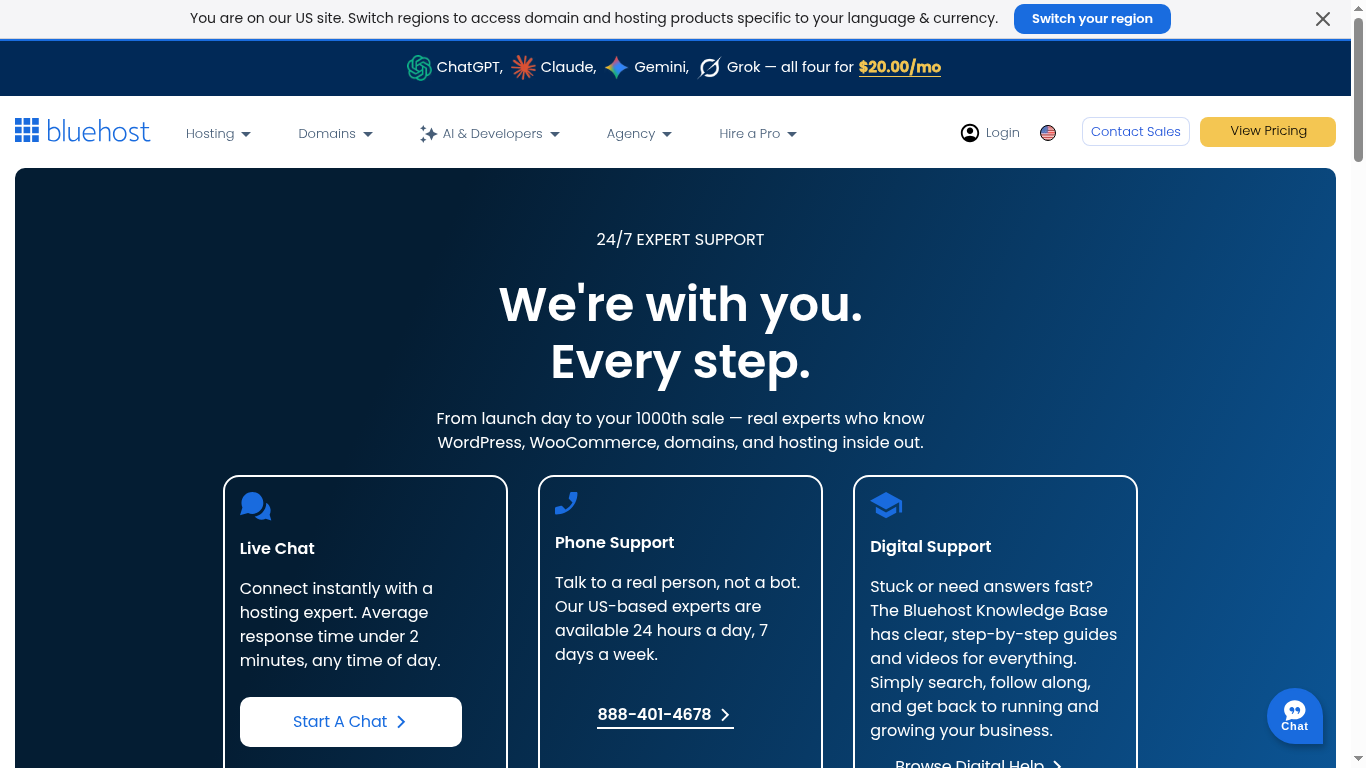
The support gap is significant. Bluehost offers 24/7 phone, chat, and email support. You can call them at any time and speak to a human. For beginners who want the reassurance of phone support, this is a real advantage. Bluehost’s support team is knowledgeable about WordPress specifically, and they can help with WordPress installation, plugin conflicts, and theme issues.
Namecheap offers 24/7 live chat and ticket support only, with no phone option. Their live chat response times are generally good (under 5 minutes in most cases), and their support guides and knowledge base are extensive. But if you are the type of person who wants to pick up the phone and call when something goes wrong, Namecheap cannot serve you.
Bluehost’s WonderSuite AI onboarding makes the initial setup experience smoother for WordPress beginners. The guided wizard walks you through choosing a theme, installing essential plugins, and creating your first pages. Namecheap’s AI website builder is more of a general-purpose tool and less integrated into the WordPress setup flow.
Both providers offer free website migration on select plans. Namecheap includes free migration on all shared hosting plans. Bluehost offers free migration on Choice Plus and higher, and charges for it on Basic.
Support and ease of use winner: Bluehost. Phone support and the WonderSuite WordPress onboarding give Bluehost a clear advantage for beginners. Namecheap’s chat support is competent, but the lack of phone support is a genuine limitation for some users.
What the top comparison pages get right, and what they miss
We reviewed the top five organic search results for “Namecheap vs Bluehost” to identify gaps. Here is what they get right and where they fall short:
- Bluehost’s own comparison page correctly highlights WordPress.org recommendation and phone support, but unsurprisingly frames Bluehost as the winner in most categories. It does not mention that Namecheap includes backups and domain privacy on the entry plan.
- HostReviewers provides a clean head-to-head with speed test data (514ms vs 650ms) and correctly identifies Namecheap as the value winner. However, it does not detail backup policies, email account limits, or the NVMe vs SSD storage difference.
- Reddit discussions offer genuine user experiences but are inconsistent. Some users report Namecheap live chat being slow during peak hours, while others praise Bluehost’s phone support. Neither thread provides pricing detail or renewal rate comparisons.
- Bluehost’s blog post for WordPress comparison focuses heavily on WordPress-specific features and correctly positions Bluehost as the WordPress-optimized choice. It omits Namecheap’s recent pricing changes and does not compare backup policies.
- Softailed’s comparison provides a balanced overview but relies on promotional pricing without consistently showing renewal rates, which is where the real cost difference emerges.
What we add: verified renewal pricing from both providers’ official sources, the May 2026 Namecheap price increase context, detailed backup and domain privacy policy comparison, Imunify360 security details, NVMe vs SSD storage analysis, and data center location breakdowns.
Pros and cons: final comparison
Where Namecheap is stronger
- Lower introductory pricing: Stellar from $2.28/mo after a 30-day free trial.
- Lower renewal pricing: Stellar renews at $4.66/mo ($55.88/yr) vs Bluehost Basic at $9.99/mo ($119.88/yr).
- Three websites on the entry Stellar plan versus Bluehost Basic’s one.
- Free domain privacy (WhoisGuard) applied automatically on all plans.
- Twice-weekly backups included on every plan, including the cheapest Stellar tier.
- 20 GB SSD storage on Stellar vs 10 GB NVMe on Bluehost Basic.
- 30 email accounts on Stellar, unlimited on higher tiers.
- Imunify360 security suite with real-time malware scanning and WAF on all plans.
- Multiple data center locations (US, UK, EU, SG on Business).
- Free website migration on all shared hosting plans.
Where Bluehost is stronger
- WordPress.org officially recommended host (one of only three worldwide).
- 24/7 phone support in addition to chat and email.
- NVMe SSD storage across all plans for faster disk I/O performance.
- WonderSuite AI-powered WordPress onboarding wizard for beginners.
- Built-in Cloudflare CDN integration for global content delivery.
- Deeper WordPress-specific optimization and tooling.
- Over 300 design templates and AI website builder.
- Larger brand with Newfold Digital infrastructure backing.
- Free website migration on Choice Plus and higher plans.
Both providers use cPanel and Apache, so the control panel experience is similar. The real differences are price, support, backups, and WordPress integration depth. Namecheap wins on raw value. Bluehost wins on the WordPress experience and support accessibility.
Which one should you choose?
Choose Namecheap if:
- You want the lowest total cost of ownership, including renewal rates.
- You need to host more than one website on the entry plan (Stellar includes 3).
- Free domain privacy and included backups matter to you.
- You are comfortable with live chat support and do not need phone access.
- Your audience is primarily in the US or Europe (or Singapore with Stellar Business).
Get Namecheap Hosting from $2.28/mo →
Choose Bluehost if:
- You specifically want WordPress.org’s official recommendation.
- 24/7 phone support gives you peace of mind as a beginner.
- You want a guided AI setup experience (WonderSuite) for your first WordPress site.
- NVMe storage and built-in Cloudflare CDN matter for your performance needs.
- You plan to focus exclusively on WordPress and want the most integrated experience.
Frequently asked questions
Is Namecheap better than Bluehost for web hosting?
Which is cheaper, Namecheap or Bluehost?
Does Namecheap or Bluehost include free backups?
Is Bluehost really recommended by WordPress.org?
Do both providers use cPanel?
Does Bluehost offer phone support?
Did Namecheap raise its renewal prices in 2026?
Migration, growth, and total cost after year one
When you calculate the real cost of hosting, the first year is only half the story. Here is a two-year total cost comparison for the entry plans:
| Total cost over 2 years | Namecheap Stellar | Bluehost Basic |
|---|---|---|
| Year 1 (introductory) | $27.36 | $47.88 |
| Year 2 (renewal) | $55.88 | $119.88 |
| 2-year total | $83.24 | $167.76 |
| Difference | Save $84.52 | Pay 71% more |
Over two years, Namecheap saves you approximately $69 compared to Bluehost on entry plans. And that gap widens if you factor in the extras Bluehost charges for on Basic: domain privacy ($14.99/yr) and backups (CodeGuard from $1.99/mo). With those add-ons, Bluehost Basic’s second-year cost approaches $170+, while Namecheap Stellar remains at $55.88 with everything included.
If you expect to grow beyond a single website, compare the mid-tier plans. Namecheap Stellar Plus (unlimited websites, unmetered SSD, AutoBackup) renews at $94.56/yr. Bluehost Choice Plus (unlimited websites, 40 GB NVMe, daily backups for 1st year, domain privacy) renews at approximately $239.88/yr. The gap is even wider at this tier.
For scaling beyond shared hosting, both providers offer VPS and dedicated server options. Bluehost’s VPS plans start at $31.99/mo with NVMe storage. Namecheap’s VPS plans start lower but use traditional SSD. If you anticipate needing VPS within the first year, compare those costs before committing to either shared plan.
The honest summary: Namecheap is the better hosting value. Bluehost is the better WordPress platform. Choose based on which problem you are solving.
Sources and research notes
Official pricing and feature pages reviewed: Namecheap shared hosting, Namecheap shared hosting pricing changes (May 2026), Namecheap shared hosting plans comparison, Bluehost shared hosting, and Bluehost pricing. Competitor comparison pages reviewed include HostReviewers, RadarTrek, ProductsVerdict, Reddit discussions, and Bluehost’s own comparison pages. Speed test data sourced from independent monitoring services. Prices and included features are a September 2026 snapshot and should be rechecked at checkout.