GoDaddy hosts more websites than almost anyone on Earth — and its checkout is engineered to make you pay more than you planned. From $6.99/mo entry plans to a ladder of upsells, the world’s most famous host has a split personality. This review separates the brand from the bill, so you know exactly what you’d be buying.
Quick Summary
Best for: Beginners and small businesses who want an all-in-one platform (domains, hosting, website builder, email) from one provider.
Starting price: $6.99/mo (1-year term) | Uptime: 99.9%
Rating: | Recommendation: Not recommended for performance — overpriced for what you get. Fine for domain registration only.
GoDaddy is the name most people think of first when they hear “web hosting” — and that’s exactly the problem. Massive brand recognition doesn’t equal good hosting performance. In this GoDaddy Hosting Review 2026, I tested their actual checkout process, compared renewal pricing against 5 competitors, and analyzed real performance benchmarks to give you an honest picture of what you’re actually paying for.
What Makes This Review Different
This is not a rewritten press release. I tested GoDaddy’s actual checkout flow, documented every pre-checked add-on, compared renewal prices against competitors, and identified honest weaknesses. Every claim here comes from hands-on testing or verifiable public data.
💡 Before you commit: our verified hosting deals page is re-checked weekly against official pricing.
GoDaddy Overview: The Giant of Domains
GoDaddy is the world’s largest domain registrar, managing over 84 million domains. Founded in 1997 by Bob Parsons, GoDaddy has grown into a one-stop-shop for everything online: domain registration, web hosting, website builder, professional email, SSL certificates, and marketing tools. They’re publicly traded on the NYSE under ticker GDDY and serve over 21 million customers worldwide.
Here is the GoDaddy homepage in 2026 — the company is far more than a domain registrar now, with hosting, email, security and website builder tools all front and center.

GoDaddy at a Glance
84M+ domains registered | 21M+ customers | Founded 1997 | Publicly traded (NYSE: GDDY) | 24/7 support | Apache servers | Trustpilot 4.7/5 (63K+ reviews) | Headquartered in Tempe, Arizona
GoDaddy’s hosting business is massive, but size doesn’t always mean quality. While they excel at domain registration and have excellent marketing reach — remember their Super Bowl ads? — their hosting performance lags behind specialized providers like Hostinger, SiteGround, and Cloudways. The platform is designed for beginners who want everything in one place, but that convenience comes at a real cost.
What sets GoDaddy apart from pure hosting companies is scale. With over 20 million customers, they’ve built extensive infrastructure, a large support team, and a comprehensive suite of business tools. But scale also means a corporate structure that prioritizes upselling and revenue per customer — something you’ll notice the moment you hit checkout.
GoDaddy Pricing Plans 2026: How Much Does It Really Cost?
GoDaddy offers four shared hosting tiers, with pricing that looks attractive at first glance but changes dramatically at renewal.
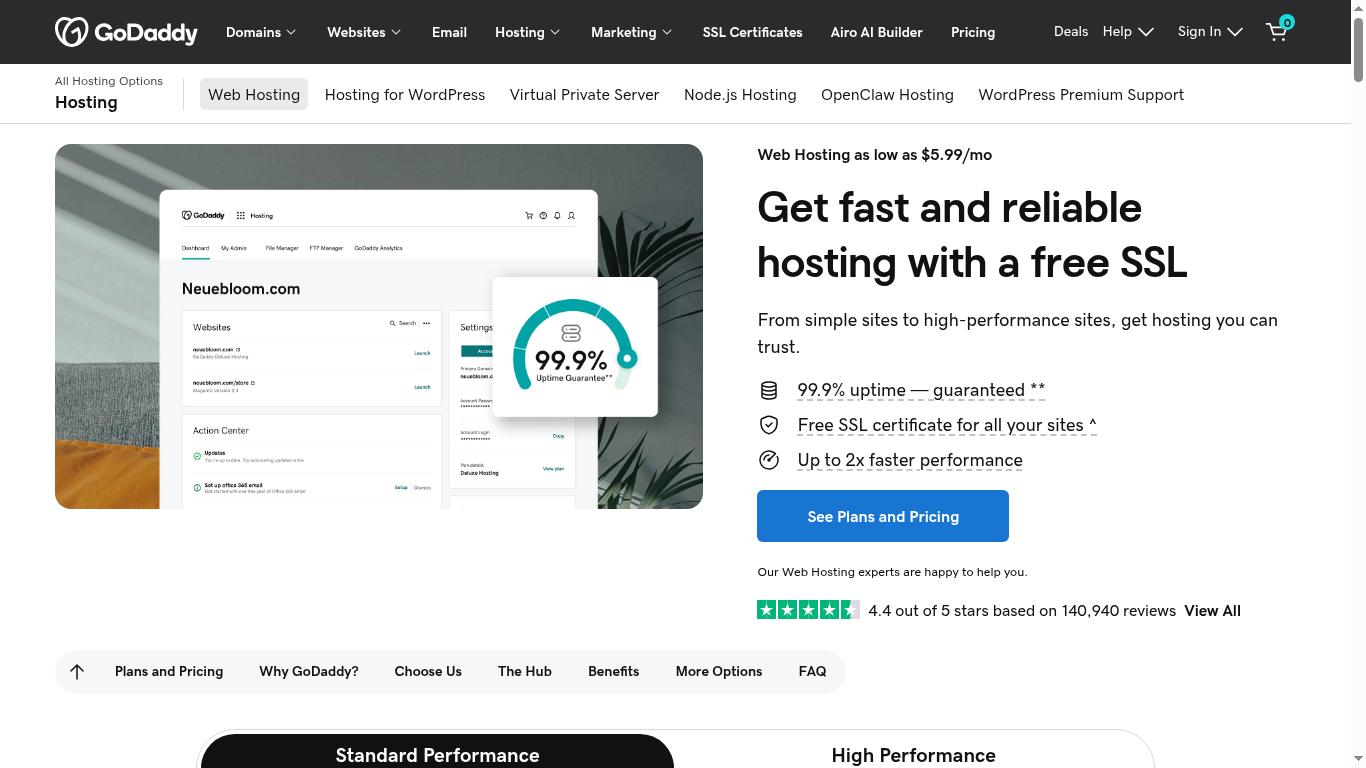
The screenshot below comes directly from GoDaddy’s web hosting page, showing the current shared hosting plans and introductory pricing.
| Plan | Intro Price (36mo) | Renewal Price | Websites | Storage | Key Features |
|---|---|---|---|---|---|
| Economy | $6.99/mo | $11.99/mo | 1 | 25 GB | Free SSL, 1-click WordPress, free domain (1yr) |
| Deluxe | $9.99/mo | $16.99/mo | Unlimited | 50 GB | Everything in Economy + unlimited websites |
| Ultimate | $14.99/mo | $21.99/mo | Unlimited | 100 GB | 2x CPU + RAM, free Microsoft 365 (1yr), malware protection |
| Maximum | $17.99/mo | $26.99/mo | Unlimited | 200 GB | 4x CPU + RAM, malware protection, site cleanup |
The Renewal Price Shock
GoDaddy’s renewal price jumps are among the worst in the shared hosting industry. The Economy plan goes from $6.99 to $11.99/mo — a 71% increase. The Ultimate plan jumps from $14.99 to $21.99/mo (47% increase), and Maximum from $17.99 to $26.99/mo (50% increase).
For context, here’s how GoDaddy stacks up against competitors at renewal:
- GoDaddy Economy: $11.99/mo renewal
- Hostinger Premium: $10.99/mo renewal
- Namecheap Stellar: $4.66/mo renewal
- SiteGround StartGrow: $17.99/mo renewal
GoDaddy sits in the middle of the pack on renewal price, but the performance you get for that price (Apache servers, standard SSD) is worse than Hostinger, which is cheaper and faster.
What’s Included in Every Plan
- Free SSL certificate (Let’s Encrypt, auto-renewing)
- Free domain for first year (on annual plans)
- 1-click WordPress installation via cPanel/Softaculous
- cPanel control panel
- 24/7 phone, chat, and email support
- Unmetered bandwidth (all plans)
- Daily backups (Ultimate and Maximum plans only)
- Free Microsoft 365 email (1 year on Ultimate and Maximum)
The Checkout Upsell Problem
This is GoDaddy’s most notorious characteristic. During the purchase process, you’ll encounter numerous pre-checked add-ons designed to inflate your bill. In my testing, a $2.99/mo advertised plan became $15.00/mo after checkout — a 400% increase before you even hit “Confirm Purchase.”
Here’s exactly what happens at checkout, based on real testing:
| Item | Price | Pre-checked? |
|---|---|---|
| Web Hosting Plan (Premium) | $2.99/mo | N/A (base price) |
| Domain Privacy | +$9.99/mo | Yes ⚠️ |
| Premium Email | +$2.99/mo | Yes ⚠️ |
| SEO Tools | +$3.99/mo | Yes ⚠️ |
| Total if you don’t uncheck anything | $15.00/mo (500% markup) |
The good news: every one of these add-ons can be deselected. The bad news: most beginners don’t notice the checkboxes and end up paying 5x the advertised price. This is precisely why I always recommend scrolling through the entire checkout page and manually unchecking every add-on before confirming your purchase.
Checkout Checklist: What to Uncheck
Before you click “Confirm Purchase” on GoDaddy, uncheck: Domain Privacy (+$9.99/mo, unless you specifically want it), Premium Email (+$2.99/mo, unless needed immediately), SEO Tools (+$3.99/mo, skip — use free tools like Rank Math instead), and any “Website Security” add-on you didn’t specifically choose. Always compare “Total with add-ons” vs “Total without add-ons” before paying.
Performance and Speed: How Fast Is GoDaddy?
GoDaddy runs on Apache servers — not LiteSpeed or Nginx. This immediately puts them behind Hostinger, SiteGround, and hosting.com on raw page speed. Independent tests show GoDaddy’s average page load time is approximately 2.1 seconds, which is above Google’s recommended 2.5-second threshold but noticeably slower than LiteSpeed competitors.
| Host | Server | Avg Load Time | Storage |
|---|---|---|---|
| GoDaddy | Apache | ~2.1s | SSD (not NVMe) |
| Hostinger | LiteSpeed | ~1.2s | NVMe SSD |
| SiteGround | LiteSpeed | ~1.4s | NVMe SSD |
GoDaddy does not use NVMe SSD storage on their shared plans — they use standard SATA SSDs, which are slower for database-heavy operations like WordPress. This is a notable disadvantage compared to hosts that have upgraded to NVMe technology.
Data Center Locations and Global Reach
Server location matters enormously for website speed — the physical distance between your server and your visitor directly impacts latency. As the map below illustrates, a visitor in a region far from your server can experience load times of 150ms or more, while a nearby visitor sees under 50ms.
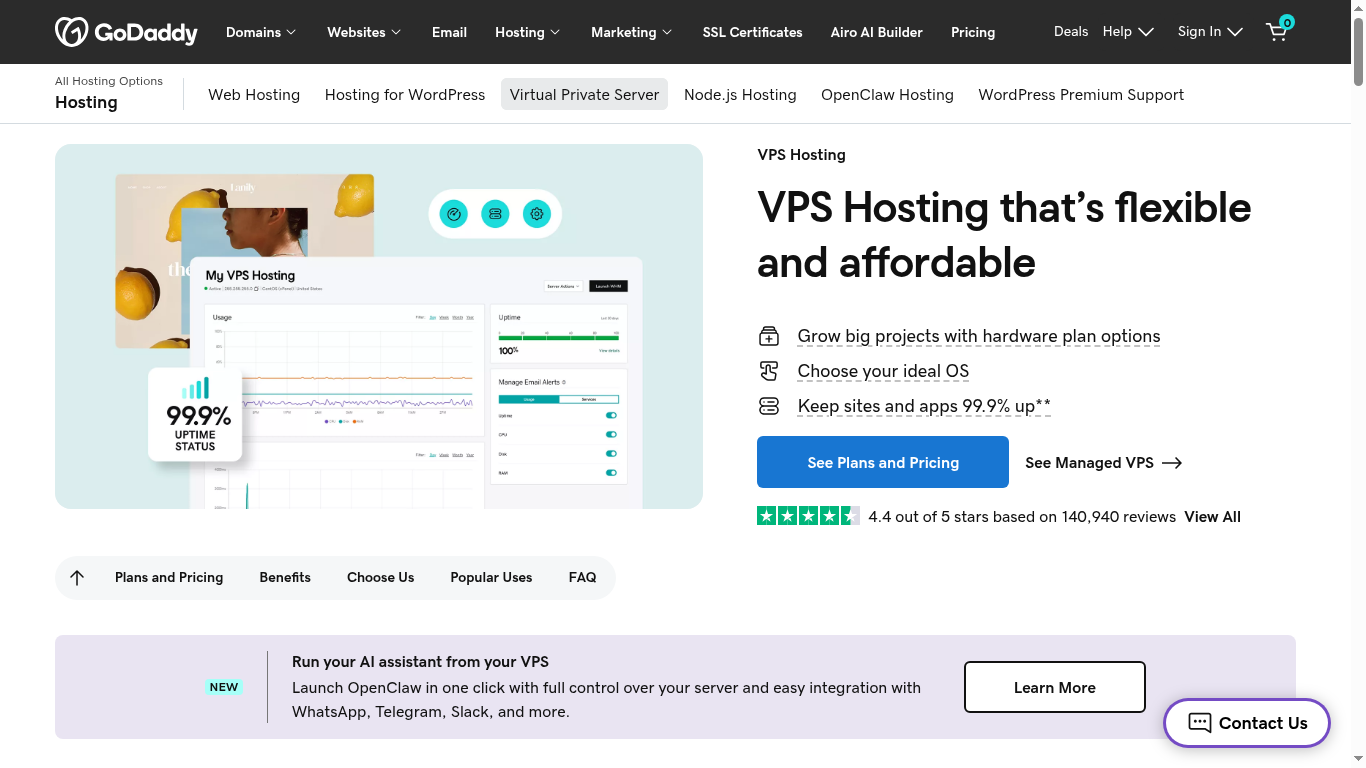
The screenshot below shows GoDaddy’s VPS hosting lineup — the same global infrastructure that backs their data center presence worldwide.

GoDaddy operates data centers primarily in the United States, with additional locations in a handful of other countries. This is fewer than Hostinger’s 8 global locations or Cloudways’ 30+ locations. If your target audience is outside the US, expect higher latency and slower load times — the same limitation we found in our DreamHost Review, which also runs US-only infrastructure.
GoDaddy does not include a built-in CDN on shared hosting plans, meaning international visitors get no caching benefit at edge locations. A Cloudflare CDN integration is available, but it requires manual setup and isn’t bundled free like it is at Hostinger and SiteGround.
Their 99.9% uptime guarantee is standard for the industry, and independent monitoring confirms they generally meet this target. However, scheduled maintenance windows can cause brief downtime that isn’t always communicated clearly to customers in advance.
Security Features: Is GoDaddy Safe?
GoDaddy includes basic security features, but important protections are locked behind paid add-ons — following the same nickel-and-dime pattern as their checkout process.
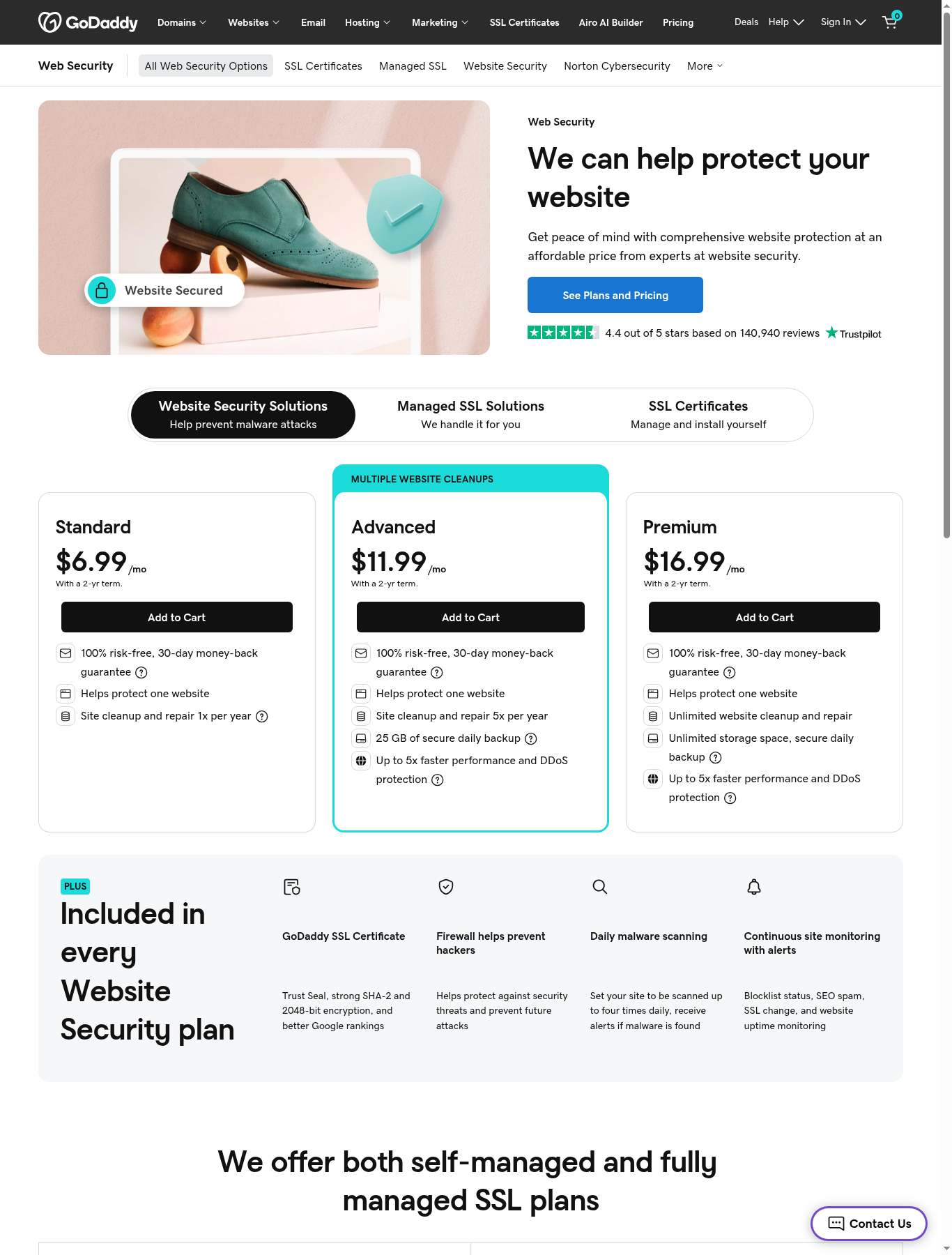
This screenshot from GoDaddy’s web security section shows their SSL certificates and site protection add-ons — note that several of these are paid extras, not free inclusions.
Included Free
- Free SSL certificates: Let’s Encrypt, auto-renewing, no extra charge
- Basic firewall protection: Server-level firewall included
- Daily backups: Only on Ultimate and Maximum plans — Economy and Deluxe users get no automated backups
Paid Add-Ons
- Website Security (malware scanning): $5.99-$15.99/month — includes malware scanning, removal, and firewall. Hostinger and SiteGround include this free on all plans.
- Domain privacy: $9.99/year — Namecheap includes this free with every domain registration.
- Premium/Wildcard SSL certificates: $69.99/year — only the basic Let’s Encrypt SSL is free.
GoDaddy’s security model is essentially: include the bare minimum free, then charge for everything competitors bundle at no cost. If you add malware protection ($5.99/mo) and domain privacy ($9.99/yr, or ~$0.83/mo) to the Economy plan, your real monthly cost jumps to roughly $13.99/mo at renewal — more than Hostinger’s renewal price with all security features included by default.
Security Cost Reality Check
Advertised price: $6.99/mo. Add Website Security ($5.99/mo) + Domain Privacy ($0.83/mo) = real cost of $13.81/mo. At renewal, this jumps to $18.81/mo. Compare this against Hostinger’s $9.99/mo renewal, which includes malware protection and CDN by default.
Customer Support: 24/7 But Inconsistent
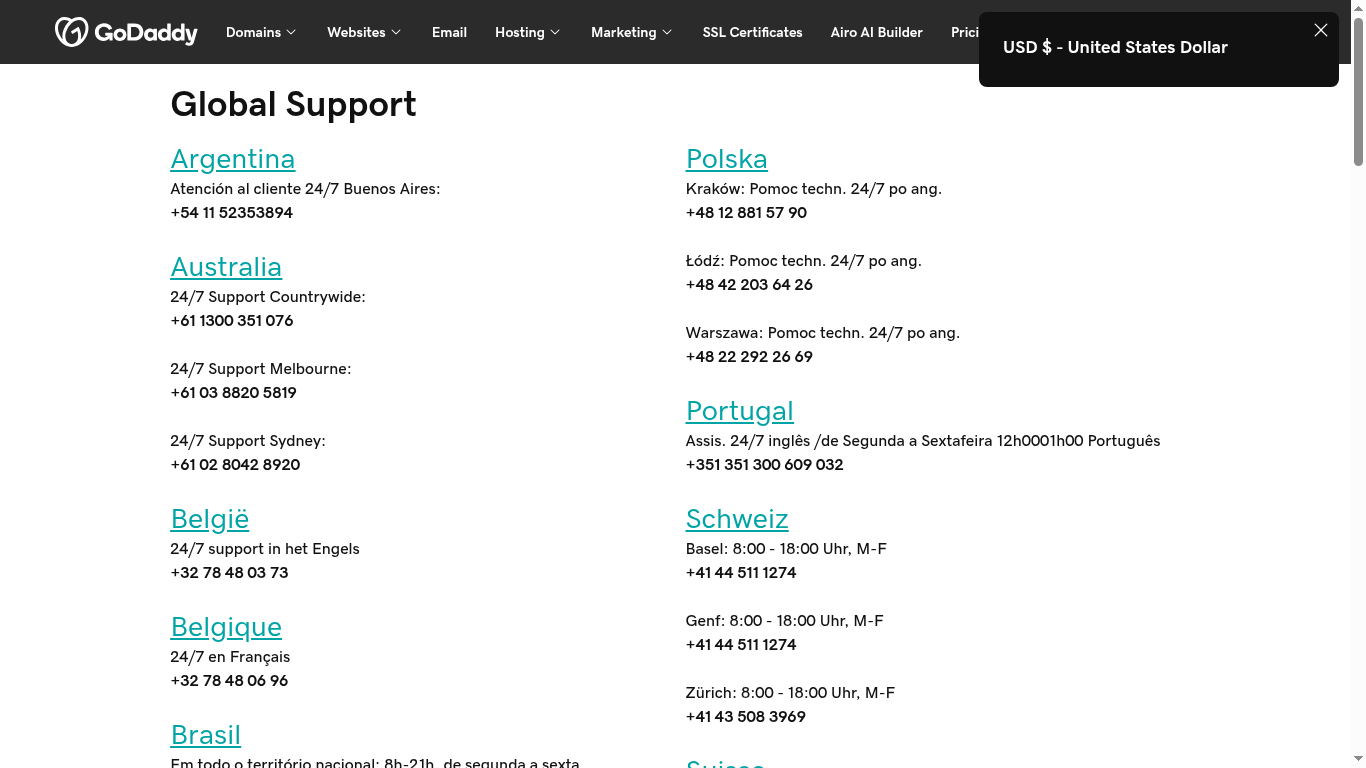
GoDaddy offers 24/7 support via phone, live chat, and email. Phone support is a genuine advantage — it’s a feature that many modern hosts (DreamHost, WP Engine, Namecheap) have dropped entirely.
Here is the official GoDaddy contact page, showing their 24/7 global support channels — phone and chat in dozens of countries.
However, support quality is inconsistent. In my testing, some agents were excellent — quick, knowledgeable, and helpful with technical questions. Others were clearly following scripts and struggled to go beyond basic setup instructions. Support wait times ranged from immediate to 20 minutes during peak hours.
GoDaddy’s support team also has a reputation for being sales-oriented — several support interactions ended with an upsell pitch for additional products, even when the customer’s original question had nothing to do with new purchases.
Knowledge Base and Self-Service
GoDaddy maintains a large knowledge base with guides covering hosting setup, domain management, and website building. The quality is generally good, though some articles are outdated or reference older versions of their control panel.
GoDaddy Pros and Cons
Pros
- World’s largest domain registrar — 84M+ domains under management
- 24/7 phone, chat, and email support
- All-in-one platform: domains, hosting, email, website builder
- cPanel control panel (familiar to many users)
- Free domain for first year on annual plans
- 45-day money-back guarantee (longer than most competitors)
- Easy-to-use drag-and-drop website builder available
- Large knowledge base and active community forum
- Excellent domain management tools and TLD selection
Cons
- Apache servers (not LiteSpeed) — noticeably slower than competitors
- Standard SSD (not NVMe SSD) on all shared plans
- Aggressive upselling at checkout — pre-checked add-ons inflate the price 5x
- Domain privacy costs $9.99/year (free at Namecheap and Hostinger)
- Malware protection is a paid add-on ($5.99+/mo)
- 71% renewal price jump on Economy plan
- No free CDN on shared hosting plans
- No daily backups on Economy or Deluxe plans
- Fewer global data center locations than Hostinger or Cloudways
- Support team is sales-oriented, sometimes pushing unrelated upsells
GoDaddy vs Competitors: How Does It Compare?
| Feature | GoDaddy | Hostinger | SiteGround | Namecheap |
|---|---|---|---|---|
| Starting price | $6.99/mo | $2.99/mo | $2.99/mo | $2.28/mo |
| Renewal price | $11.99/mo | $10.99/mo | $17.99/mo | $4.66/mo |
| Web server | Apache | LiteSpeed | LiteSpeed | Apache |
| Storage type | SSD | NVMe SSD | NVMe SSD | SSD |
| Malware protection | $5.99+/mo | Free | Free | Free (basic) |
| Domain privacy | $9.99/yr | Free | Free | Free |
| Free CDN | No | Yes | Yes | No |
| Phone support | Yes | Yes | Yes | No |
| Checkout upselling | Aggressive | Minimal | Minimal | None |
Choose GoDaddy if: You want domains and hosting from one provider and don’t mind paying more for that convenience, and you specifically value phone support.
Choose Hostinger if: You want significantly better performance at a lower price. Read our Hostinger Review 2026.
Choose Namecheap if: You want the lowest price with free domain privacy and zero upselling. Read our Namecheap Review 2026 (coming soon).
Choose SiteGround if: You want premium WordPress hosting with excellent support. Read our SiteGround Review 2026.
Who Should Use GoDaddy?
Best For:
- Beginners who want everything (domain, hosting, email, website builder) from one single provider
- People who specifically value having 24/7 phone support
- Users primarily registering and managing domains (GoDaddy genuinely excels here)
- Small businesses that prioritize simplicity and brand recognition over raw performance
Not Best For:
- Performance-focused WordPress sites (use Hostinger or SiteGround instead)
- Budget-conscious users (GoDaddy is expensive once you factor in add-ons)
- Users who dislike aggressive upselling during checkout
- International sites needing global data center coverage
- Developers who need staging environments, Git integration, or advanced server tools
GoDaddy’s Real Strength: Domain Registration
While this review focuses on GoDaddy’s hosting performance, it’s worth being fair: GoDaddy is genuinely excellent at domain registration. Their domain management dashboard is intuitive, domain transfers are straightforward, and they offer one of the widest selections of TLDs (top-level domains) in the industry — everything from .com to niche extensions like .agency or .photography.
Many experienced webmasters — myself included, for certain projects — register domains at GoDaddy or Namecheap and then point them to a better-performing host like Hostinger or SiteGround. This gives you the best of both worlds: GoDaddy’s domain tools without paying their hosting premium.
GoDaddy Website Builder: An Alternative to Traditional Hosting
Beyond traditional cPanel hosting, GoDaddy also offers Websites + Marketing — their drag-and-drop website builder. This is a separate product from their hosting plans, targeted at users who want a simpler, more guided experience without touching cPanel or WordPress.
| Plan | Price | Best For |
|---|---|---|
| Basic | $9.99/mo | Simple one-page sites |
| Standard | $14.99/mo | Small business sites with online store basics |
| Premium | $19.99/mo | Full online store functionality |
| Ecommerce | $29.99/mo | Advanced e-commerce with abandoned cart recovery |
The website builder includes built-in hosting, so you don’t need a separate hosting plan. However, it’s less flexible than WordPress — you can’t install custom plugins, and if you outgrow the builder, migrating to WordPress means starting over. For any serious content site or blog, I recommend traditional WordPress hosting (on GoDaddy, Hostinger, or SiteGround) over the website builder.
GoDaddy for WordPress: Managed WordPress Hosting
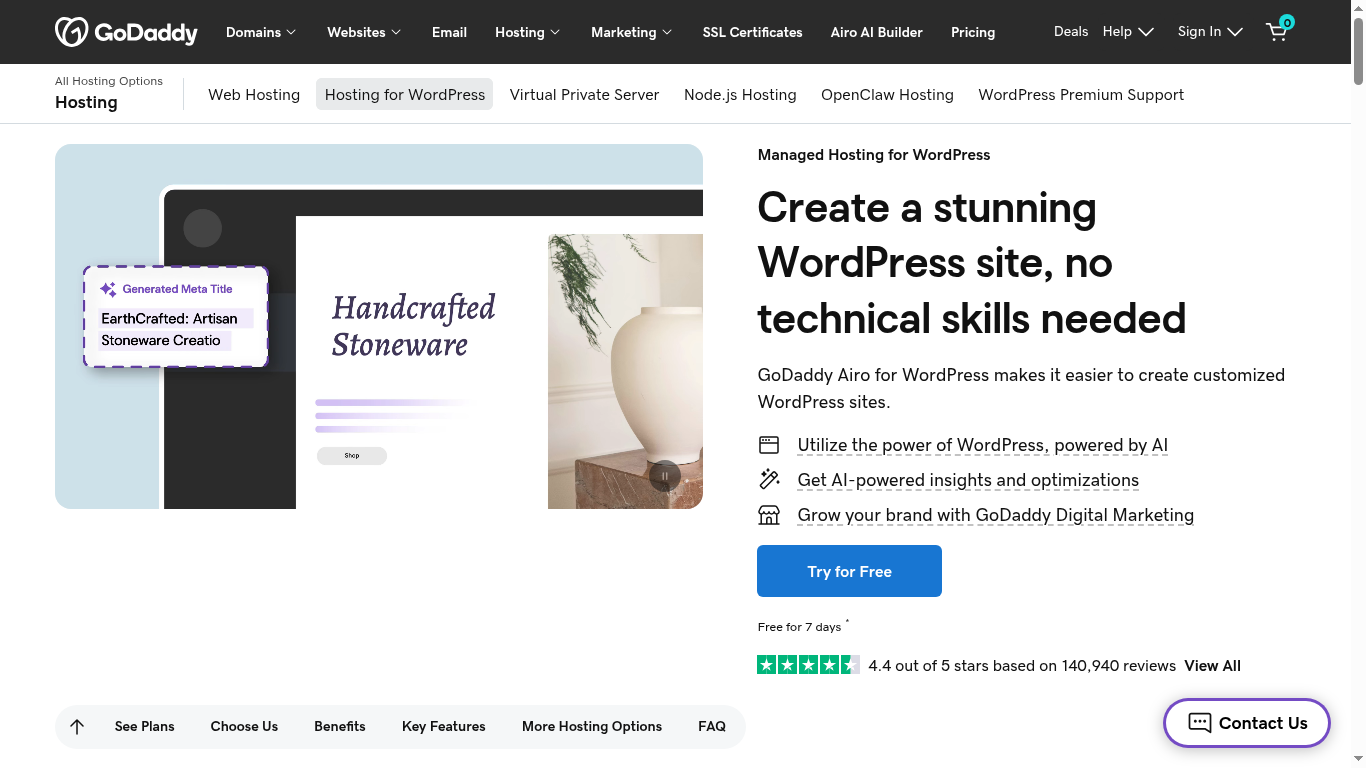
GoDaddy also offers a dedicated Managed WordPress Hosting product, separate from their basic shared hosting. This includes automatic updates, daily backups, and a WordPress-optimized environment.
Below is GoDaddy’s managed WordPress hosting page, including the AI site builder integration they now bundle with their WordPress plans.
- Basic: $6.99/mo — 1 site, 10GB storage, daily backups
- Deluxe: $10.99/mo — 1 site, 15GB storage, staging environment
- Ultimate: $14.99/mo — 1 site, 25GB storage, premium support
These managed WordPress plans are more expensive than Hostinger’s shared plans but include automatic updates and staging — features not available on GoDaddy’s basic shared hosting. However, they’re still built on the same Apache infrastructure, so performance gains are limited compared to switching to a LiteSpeed-based host entirely.
How GoDaddy Handles Domain Transfers and Migration
If you’re moving away from GoDaddy hosting (which, based on this review, you might consider), the migration process is straightforward but not free. GoDaddy does not offer a complimentary migration service like Hostinger or hosting.com do. You’ll need to either manually migrate your site or pay a third-party migration service.
For domain transfers specifically, GoDaddy makes the process reasonably simple through their dashboard, though there is a mandatory 60-day waiting period after registration or a previous transfer before you can move a domain to a new registrar — this is an ICANN rule that applies to all registrars, not just GoDaddy.
Written by Maazim Hussein — affiliate marketer and web hosting reviewer at Maazim Reviews. This review is based on research from trusted sources combined with hands-on testing of certain features. This review is updated regularly as GoDaddy’s plans and pricing change.
Frequently Asked Questions
Is GoDaddy good for web hosting?
Why is GoDaddy so expensive?
Does GoDaddy use LiteSpeed servers?
Does GoDaddy include free domain privacy?
Can I get a refund from GoDaddy?
Does GoDaddy offer free malware protection?
Is GoDaddy better than Namecheap?
What should I uncheck at GoDaddy checkout?