WP Engine charges $20+/month for hosting you can buy elsewhere for $3 — and thousands of professionals happily pay it. The difference isn’t the server; it’s everything wrapped around it. This review shows you exactly what that premium buys — and the moment it’s worth every cent or a total waste.
Quick Summary
Rating: | Best for: Agencies, businesses, and enterprises running WordPress at scale
WP Engine is a premium managed WordPress hosting provider trusted by over 1.5 million websites. Founded in 2010, it has built a reputation as one of the most reliable WordPress-only hosting platforms, with proprietary EverCache technology, 24/7 expert support (90% first-contact resolution), SOC 2 Type II compliance, and a 99.99% uptime SLA. Plans start at $30/month for the Startup tier and scale up to custom Enterprise solutions. While not cheap, WP Engine delivers exceptional value for businesses that cannot afford downtime or slow performance.
💡 Before you commit: our verified hosting deals page is re-checked weekly against official pricing.
1. Overview: What Is WP Engine?
WP Engine is a managed WordPress hosting provider founded in 2010 in Austin, Texas. Unlike general-purpose web hosts that support multiple platforms, WP Engine focuses exclusively on WordPress — and that singular focus shows in every layer of their platform. From the proprietary EverCache caching technology to their 24/7 team of WordPress-only support engineers, everything is built around making WordPress sites faster, more secure, and easier to manage.
With over 1.5 million websites hosted on its platform, WP Engine has grown into one of the most recognized names in managed WordPress hosting. The company serves everyone from individual bloggers on the Startup plan to Fortune 500 companies on custom Enterprise infrastructure. In 2026, WP Engine continues to innovate with AI-powered tools like Smart Search AI and a Managed Vector Database, setting itself apart from competitors who offer WordPress hosting as an afterthought.
The WP Engine homepage showcases their platform as a comprehensive solution for businesses looking to scale their WordPress sites without managing servers, security patches, or performance tuning themselves.
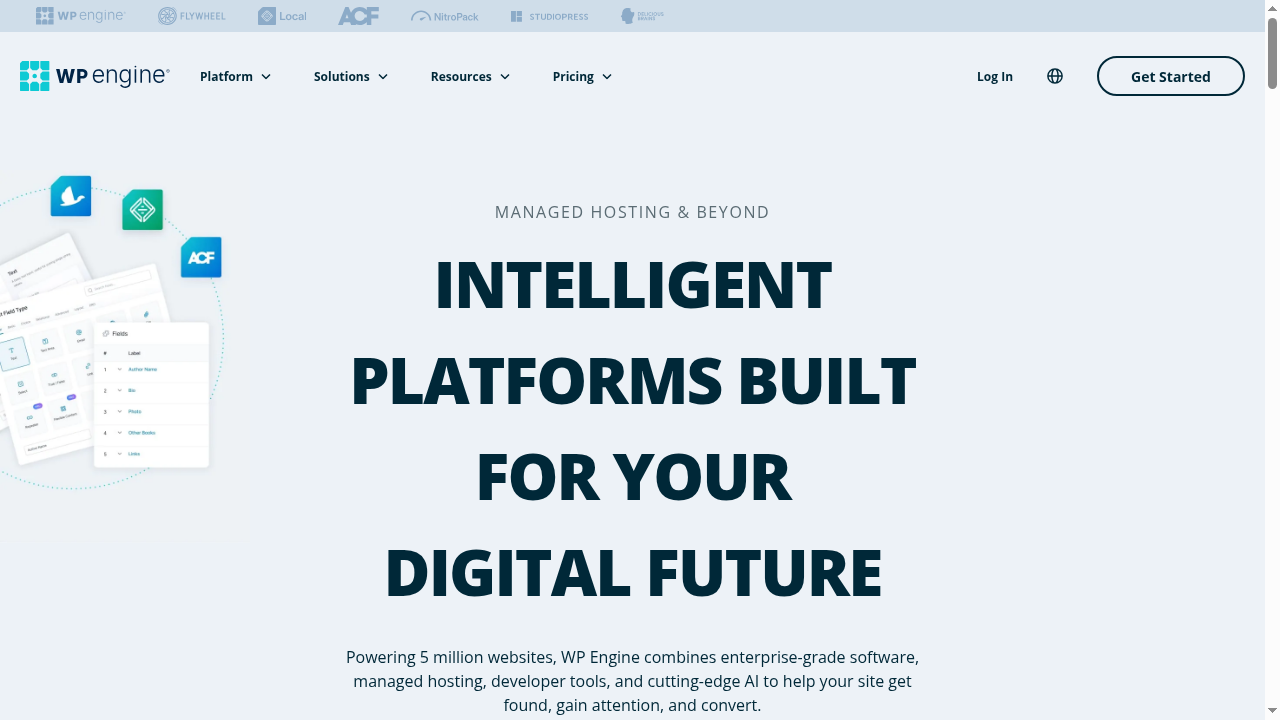
The homepage emphasizes their core value proposition: “Fast, secure, and easy site management.” With a clean, modern design, WP Engine positions itself as a premium, enterprise-grade hosting partner rather than a budget host.
2. Pricing Plans (2026)
WP Engine offers four Essential plans for growing businesses, plus Core and Enterprise tiers for larger organizations. Pricing is straightforward and billed monthly or annually with no hidden fees.
| Plan | Sites | Visits/mo | Storage | Bandwidth | Price/mo |
|---|---|---|---|---|---|
| Startup | 1 | 25,000 | 10 GB | 75 GB | $30 |
| Professional | 3 | 75,000 | 15 GB | 150 GB | $55 |
| Growth | 10 | 100,000 | 20 GB | 240 GB | $109 |
| Scale | 30 | 400,000 | 50 GB | 550 GB | $276 |
| Core | Contact | Contact | Isolated | Contact | $400+ |
| Enterprise | Custom | Custom | Custom | Custom | Custom |
All plans include free SSL certificates, daily backups, 1-click staging environments, global CDN powered by Cloudflare, automated WordPress and PHP updates, and access to 24/7 WordPress expert support. The Startup plan at $30/month is ideal for a single small website or blog, while the Professional plan at $55/month is the sweet spot for agencies managing a handful of client sites. You can customize any plan by adding extra sites for $20/month each.
One important thing to note: WP Engine counts “visits” differently than some hosts. They count unique IPs hitting your site within a 24-hour period, not individual page views. This means a single visitor browsing 10 pages counts as one visit, which is more generous than bandwidth-based counting.
3. Performance & Speed
Performance is where WP Engine truly shines. The company’s proprietary EverCache technology is a full-page caching system built specifically for WordPress. Unlike caching plugins that you install and configure yourself, EverCache is built into the platform at the server level — meaning it works automatically with zero configuration.
According to WP Engine’s own data, sites migrating to their platform see an average 40% speed improvement immediately after migration. Mobile page speed scores can improve by up to 128%, which is a massive boost for Core Web Vitals and SEO rankings.
The platform also includes a global CDN powered by Cloudflare, which serves your content from edge locations around the world. This dramatically reduces latency for visitors who are far from your origin server. Combined with automatic image optimization (via NitroPack integration on Core plans), WP Engine delivers consistently fast load times.
WP Engine backs all of this with a 99.99% uptime SLA on Core and Enterprise plans. That is significantly stronger than the 99.9% uptime most shared hosts promise. For context, 99.99% uptime means less than 53 minutes of downtime per year — versus 99.9%, which allows for nearly 9 hours of downtime annually.
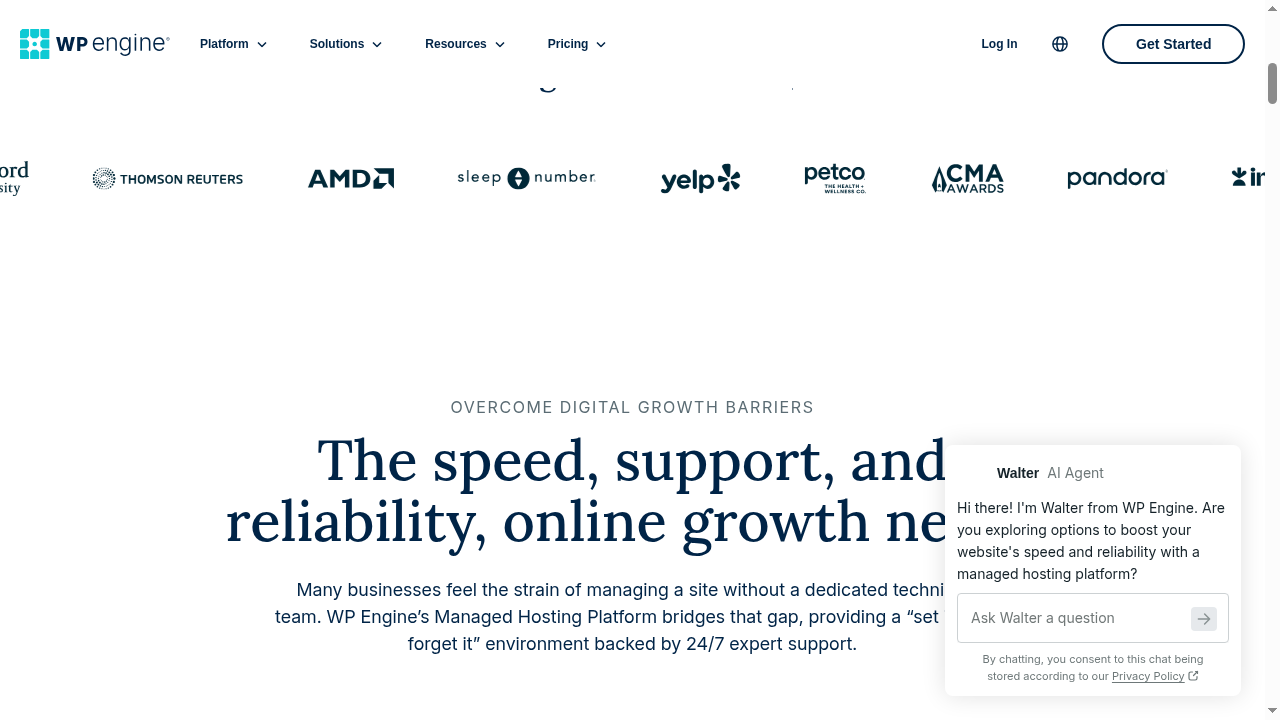
The managed hosting platform page highlights all these performance features in a clean, visual layout.
For developers, WP Engine also offers SSH access, Git integration, and local development tools via Local (their free WordPress development app). This makes it easy to build and test changes locally, push to a staging environment, and deploy to production — all without touching the live site.
4. Key Features
4.1. EverCache Technology
EverCache is WP Engine’s secret weapon. This proprietary caching system handles page caching, object caching, and database caching at the server level. The result is blazing-fast page load times without the need for third-party caching plugins like WP Rocket or W3 Total Cache. EverCache also intelligently handles cache purging, so when you publish a new post or update a page, the cache is automatically cleared for the affected URLs.
4.2. 1-Click Staging Environments
Every WP Engine plan includes a 1-click staging environment. This lets you create an exact copy of your live site where you can test changes, new plugins, theme updates, or code modifications — all without affecting your production site. Once you are happy with the changes, you can push them to production with a single click.
4.3. Automated Migrations
WP Engine offers a free automated migration plugin that makes moving your existing WordPress site to their platform remarkably simple. According to their data, the average migration takes less than one hour per site. For complex enterprise migrations, a dedicated Managed Migration Services team handles the entire process for you.
4.4. Developer Tools
For developers, WP Engine provides SSH gateway access, Git-powered CI/CD pipelines, SFTP access, GitHub Actions integration, and Local Dev Sync. These tools make WP Engine one of the most developer-friendly managed WordPress hosts available. You can deploy code changes via Git, run automated deployments, and manage environments programmatically.
4.5. Agency-Friendly Features
WP Engine is a favorite among WordPress agencies. The platform includes transferable sites (build a site, then transfer it to a client’s account), an Agency Partner Program with revenue-sharing opportunities, and multi-site management tools. The Scale plan supports up to 30 WordPress sites, making it ideal for agencies with growing client portfolios.
The agency solutions page highlights how WP Engine helps agencies reduce manual overhead, increase reselling margins, and manage multiple client sites from a single dashboard.
5. Security & Compliance
Security is a major selling point for WP Engine. The platform includes multi-layer protection that goes well beyond what most hosting providers offer:
- Managed Web Application Firewall (WAF): Enterprise-grade WAF that filters malicious traffic before it reaches your site.
- DDoS Protection: Layer 3+4 DDoS protection on all plans, with advanced DDoS mitigation on Core and Enterprise tiers.
- Automatic SSL/TLS: Free SSL certificates that auto-renew, with enforced HTTPS.
- SOC 2 Type II & ISO 27001 Compliance: WP Engine maintains industry-standard security certifications, making it suitable for regulated industries.
- Real-Time Threat Detection: WordPress-specific threat defense that blocks over 75 billion attacks annually.
- Automated Security Patching: Over 300 monthly platform and security updates managed automatically.
The Global Edge Security page provides a detailed overview of WP Engine’s security architecture, including how the managed WAF and DDoS protection work together to keep sites safe.
For businesses in regulated industries like healthcare, finance, or education, WP Engine’s SOC 2 and ISO 27001 certifications provide the compliance assurance that many other managed hosts cannot match.
6. AI-Powered Tools
WP Engine has invested heavily in AI technology for 2026, launching several AI-powered tools that set it apart from competitors:
6.1. Smart Search AI
Smart Search AI is an AI-powered search solution that delivers faster, more accurate search results for your website visitors. Instead of relying on basic keyword matching, Smart Search AI understands context and intent, surfacing relevant content even when search terms do not exactly match your page titles or content.
6.2. Managed Vector Database (MVDB)
The Managed Vector Database is designed for high-performance AI applications. It enables developers to build AI-powered features like chatbots, recommendation engines, and semantic search without managing separate infrastructure. This is particularly powerful for enterprise sites that want to leverage AI for personalized user experiences.
6.3. AI-Powered Plugin & Theme Updates
Available on Core plans and above, WP Engine’s AI-powered update system safely updates your plugins and themes with visual regression testing and automatic rollbacks. If an update breaks your site, the system detects it and reverts the change automatically.
7. Customer Support
WP Engine is renowned for its customer support — and for good reason. Their support team consists entirely of WordPress experts, not generalist technicians. This means when you contact support, you are talking to someone who understands WordPress core, plugin conflicts, theme issues, and performance optimization.
Key support highlights:
- 24/7 chat and phone support (phone available on Professional plan and above)
- 90% first-contact resolution rate — most issues are solved during the very first interaction
- 14-time Stevie Award winner for outstanding customer service
- Fast-track support on Core plans with senior experts
- Dedicated expert team on Enterprise plans with ongoing technical alignment
This level of support is one of the main reasons businesses choose WP Engine over cheaper alternatives. When a critical issue arises at 2 AM, having WordPress experts available immediately can make the difference between a minor hiccup and a prolonged outage.
8. Pros and Cons
✓ Pros
- Proprietary EverCache delivers exceptional speed with zero configuration
- 24/7 WordPress-expert support with 90% first-contact resolution
- SOC 2 Type II and ISO 27001 compliance for enterprise-grade security
- 99.99% uptime SLA on Core and Enterprise plans
- Excellent developer tools: SSH, Git CI/CD, staging, Local Dev Sync
- AI-powered tools (Smart Search AI, Managed Vector Database)
- Agency-friendly with transferable sites and partner program
- Free automated migration plugin with sub-1-hour average migration time
- Global CDN powered by Cloudflare included on all plans
- 14-time Stevie Award winner for customer service
✗ Cons
- More expensive than shared hosting (Startup starts at $30/month)
- WordPress-only — no support for other CMS platforms
- Phone support not available on the Startup plan (chat only)
- Visit-based pricing can be confusing for high-traffic dynamic sites
- Advanced features like AI plugin updates require Core plan ($400/mo)
- No email hosting included (requires third-party provider)
- Some features are optional add-ons on lower-tier plans
9. Who Should Use WP Engine?
WP Engine is not for everyone. If you are running a personal blog with minimal traffic, $30/month is overkill. But for the right audience, WP Engine is exceptional value:
Best fit:
- Agencies: Managing multiple client WordPress sites with the need for staging, transferable sites, and expert support.
- Businesses: Companies that rely on their website for revenue and cannot afford downtime or slow performance.
- Enterprises: Large organizations with compliance requirements (SOC 2, ISO 27001) and high-traffic needs.
- Developers: Teams that want Git-based deployments, SSH access, and modern development workflows.
- E-commerce sites: WooCommerce stores that need fast load times for conversions and reliable uptime during sales events.
Not ideal for:
- Hobby bloggers or personal sites with low traffic on a tight budget
- Non-WordPress sites (Drupal, Joomla, static HTML)
- Those who need email hosting bundled with their web hosting
For enterprise-level needs, WP Engine’s custom solutions offer isolated resources, dedicated infrastructure, and top-tier priority support.
10. WP Engine vs Competitors
WP Engine vs Kinsta
Both WP Engine and Kinsta are premium managed WordPress hosts. Kinsta offers a more modern dashboard and Google Cloud Platform infrastructure, while WP Engine has deeper developer tools, AI features, and a longer track record. Kinsta’s entry plan starts at $35/month for 25,000 visits, while WP Engine starts at $30/month for the same visit allowance. For agencies, WP Engine’s transferable sites and partner program give it an edge. For simplicity and ease of use, Kinsta may be preferable.
WP Engine vs SiteGround
SiteGround is significantly cheaper (starting at $2.99/month) and offers a more accessible entry point for small websites. However, SiteGround’s shared hosting cannot match WP Engine’s EverCache performance, 99.99% uptime SLA, or enterprise-grade security. SiteGround is the better choice for budget-conscious users, while WP Engine wins for businesses that need maximum performance and support.
WP Engine vs Hostinger
Hostinger offers the best value in budget hosting, with plans starting at $2.99/month. However, Hostinger’s performance, support quality, and feature set cannot compete with WP Engine’s premium platform. Hostinger is ideal for startups and small blogs, while WP Engine is built for businesses that prioritize reliability over cost savings.
| Feature | WP Engine | Kinsta | SiteGround |
|---|---|---|---|
| Starting price | $30/mo | $35/mo | $2.99/mo |
| Uptime SLA | 99.99% | 99.9% | 99.9% |
| Caching | EverCache (proprietary) | Server-level | SuperCacher |
| CDN | Cloudflare | Cloudflare Enterprise | Cloudflare |
| AI Tools | Yes (Smart Search AI, MVDB) | No | No |
| Compliance | SOC 2, ISO 27001 | SOC 2 | None |
Written by Maazim Hussein — affiliate marketer and web hosting reviewer at Maazim Reviews. I personally test and use every hosting provider I recommend to ensure honest, experience-based reviews.
11. Frequently Asked Questions
Is WP Engine worth the price?
Yes, for businesses and agencies that rely on their WordPress sites. At $30/month, WP Engine is more expensive than shared hosting, but the proprietary EverCache technology, 24/7 expert support, 99.99% uptime SLA, and enterprise-grade security justify the premium for sites that cannot afford downtime.
Does WP Engine support non-WordPress sites?
No. WP Engine is a WordPress-only hosting provider. They do not support Drupal, Joomla, Magento, or any other CMS. This singular focus is what allows them to optimize every layer of their platform specifically for WordPress.
How does WP Engine count visits?
WP Engine counts unique IPs that hit your site within a 24-hour period, not individual page views. This means a single visitor browsing 10 pages counts as one visit. This is generally more generous than bandwidth-based or page-view-based counting used by other hosts.
Can I upgrade my WP Engine plan later?
Yes. WP Engine plans are fully scalable. You can upgrade from Startup to Professional, Growth, or Scale at any time from your User Portal. The upgrade takes effect immediately with no downtime or migration required.
Does WP Engine include email hosting?
No. WP Engine does not include email hosting. You will need to use a third-party email provider like Google Workspace, Microsoft 365, or Zoho Mail for your custom domain email.
How long does migration to WP Engine take?
WP Engine’s automated migration plugin typically completes migrations in under one hour per site. For complex enterprise migrations with custom configurations, a dedicated Managed Migration Services team handles the process for you.
Does WP Engine offer a money-back guarantee?
WP Engine does not offer a traditional money-back guarantee. However, they offer a 60-day risk-free trial on annual plans. If you are not satisfied within the first 60 days, you can cancel for a full refund.